Applying for a karta pobytu via MOS
Since 2026, the wniosek (application) for pobyt czasowy is submitted fully electronically via MOS (Moduł Obsługi Spraw) — the portal of the Urząd do Spraw Cudzoziemców (Office for Foreigners). You no longer need to send a signed PDF via e-Doręczenia or by post: the wniosek is filled out, signed via Profil Zaufany, and sent directly on the portal, and the confirmation of receipt (UPO) arrives in your konto (account).
This guide is based on first-hand submission experience from the community (July 2026).
Preparation
What to prepare before submitting:
- Załączniki (attachments) — the files attached to the wniosek (except the photo and the passport). The number of attachments is limited (originally 19, according to the latest information increased to 25+), so it is convenient to merge documents of the same type into a single PDF — for example, with the PDF/JPG merging tool by Andrei Mitin.
- File size: up to 50 MB in total, no single file larger than 10 MB. Heavy scans will have to be compressed.
- Address of residence during the 12 months before arriving in Poland.
- Address of residence in your country of citizenship — in the new wniosek these are separate mandatory fields.
- Podstawa prawna (legal basis) for the application:
- for a sole proprietor: art. 142 ustawy z dnia 12 grudnia 2013 r. o cudzoziemcach;
- for the sole proprietor's accompanying family members (inne okoliczności): art. 187 of the same ustawa.
- Photo sized exactly 684 × 883 pixels (JPG/JPEG). You can fit your photo to the requirements with the photo cropping tool for MOS.
- Fee payment (non-refundable): for processing the wniosek and for printing the card. Payment details — information about fees on MOS; for Masovian Voivodeship also Opłaty | Migrant WSC.
- Passport scan: all pages, including empty ones and the covers, as a single PDF up to 10 MB, in color.
Community tools
The JDG tools page by Andrei Mitin has a wniosek generator, an interactive document checklist, document templates (business plan, entrepreneur questionnaire, income declarations), and a table with voivodeship payment details.
Registering a konto in MOS
-
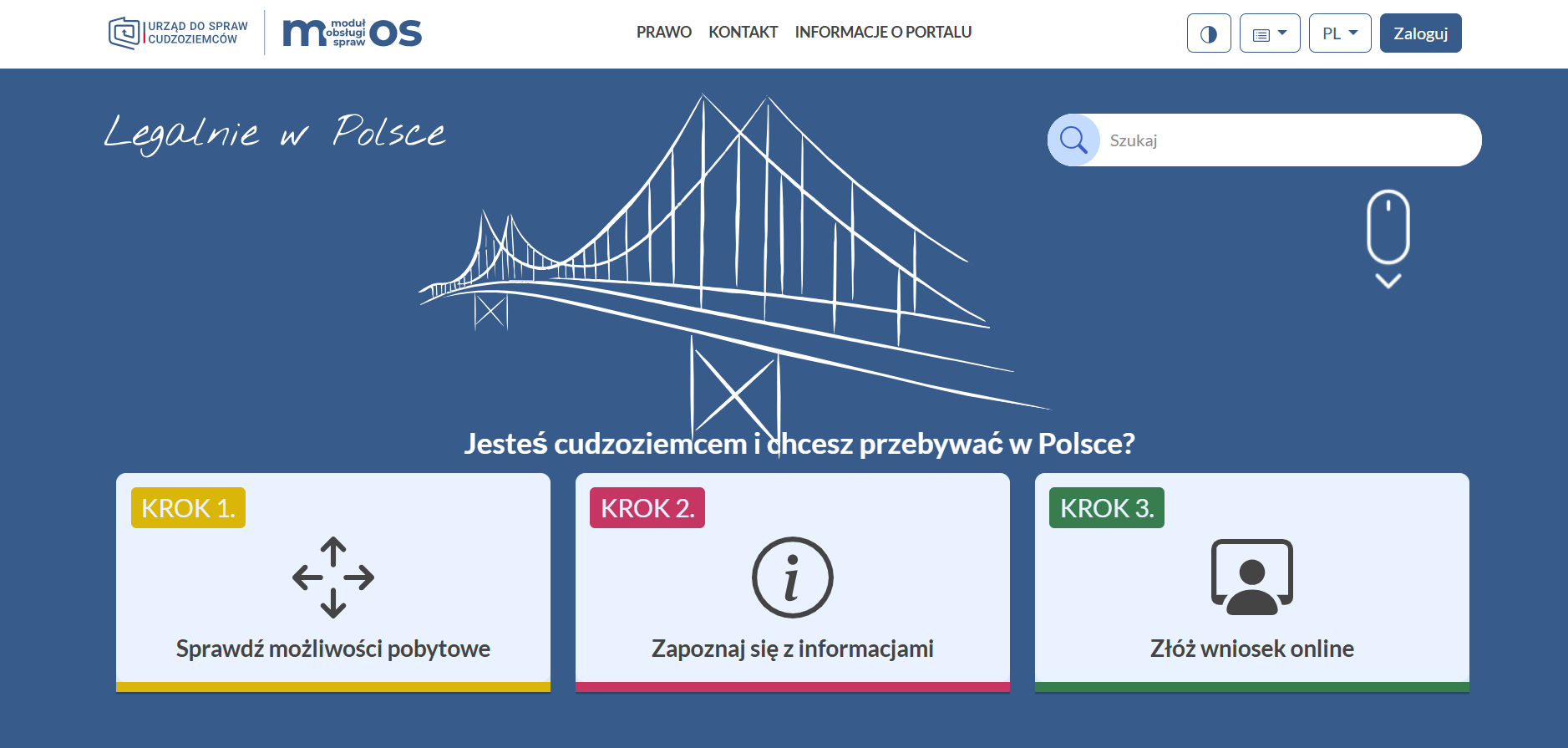
Go to mos.cudzoziemcy.gov.pl and click ZALOGUJ in the top right corner.
-
The portal will redirect you to Profil Zaufany — log in.
-
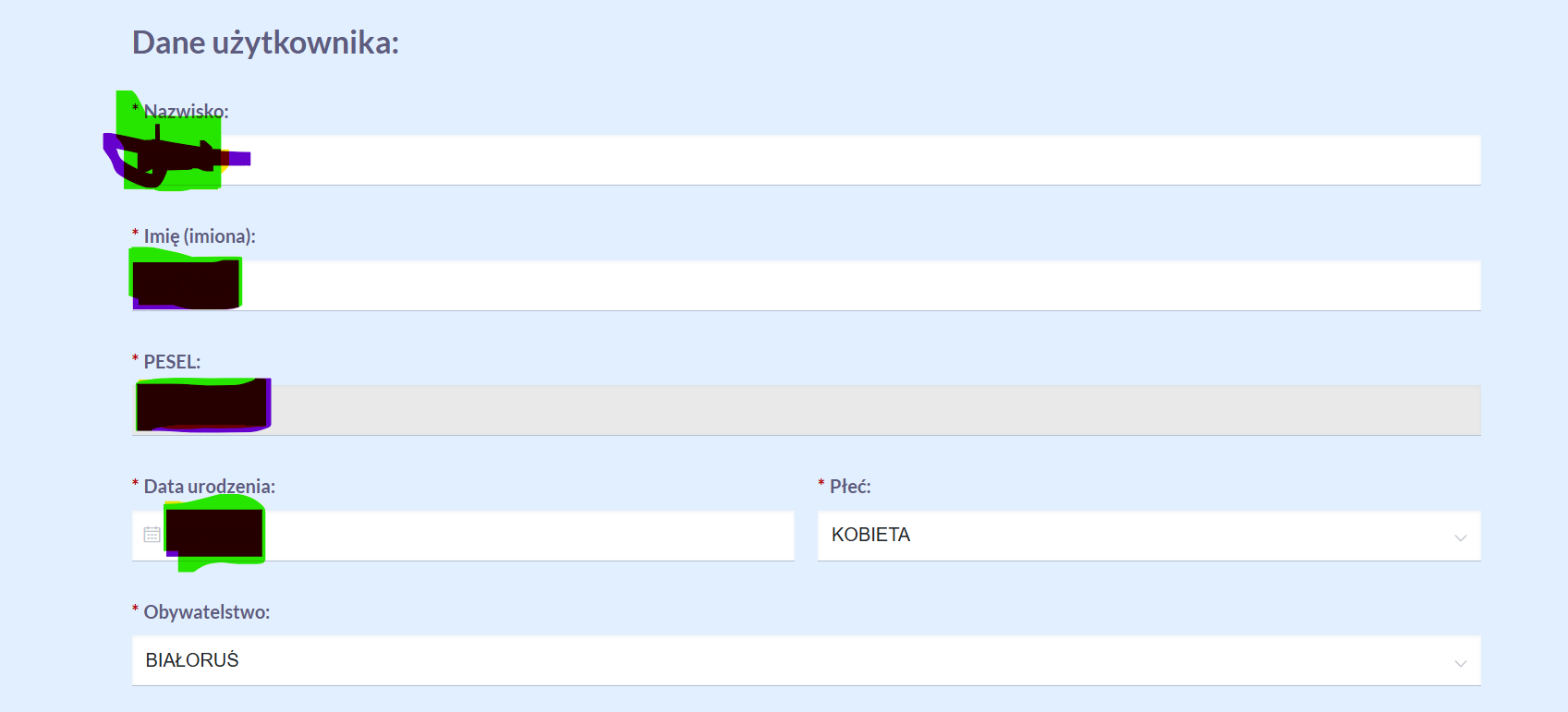
After PZ, the konto creation page will open: first name, last name, and PESEL are already filled in; you need to add your citizenship, gender, and e-mail.
-
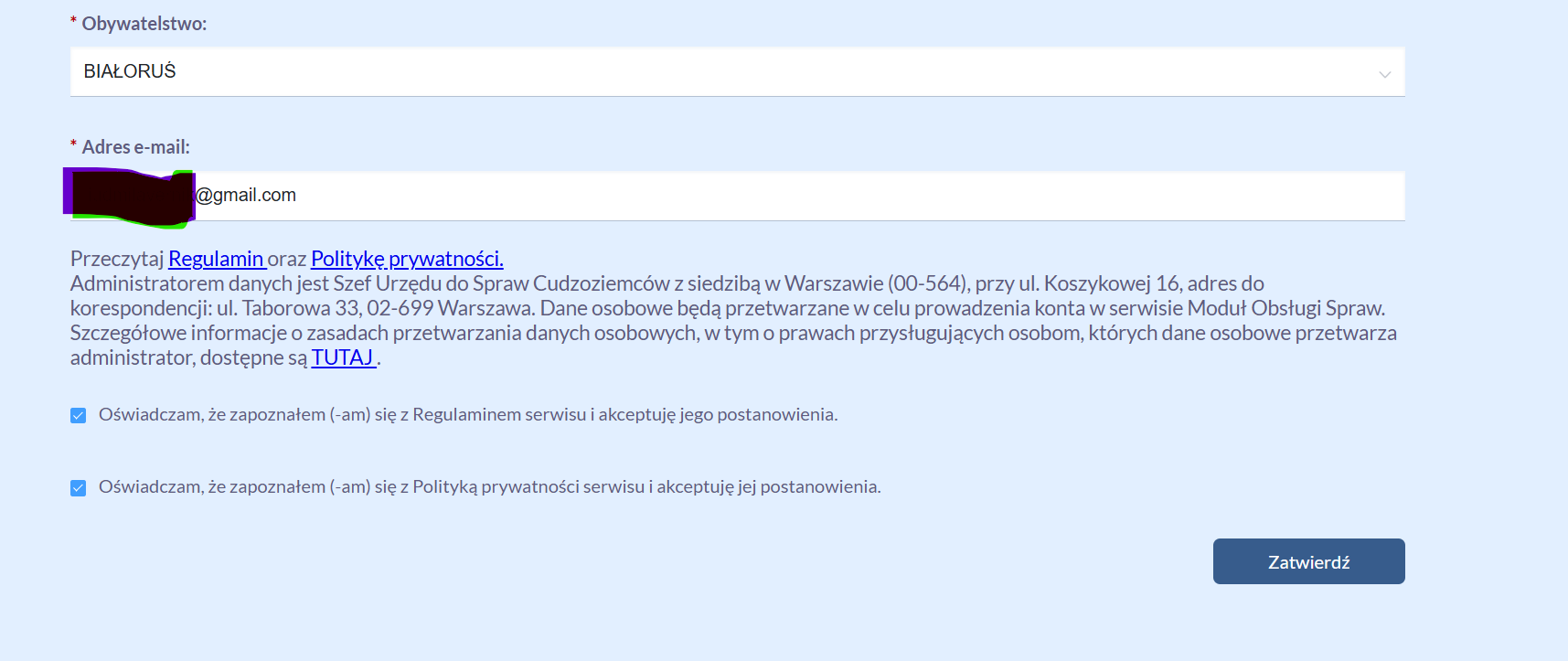
At the bottom, tick the two checkboxes (terms of service and privacy policy) and click Zatwierdź.
-
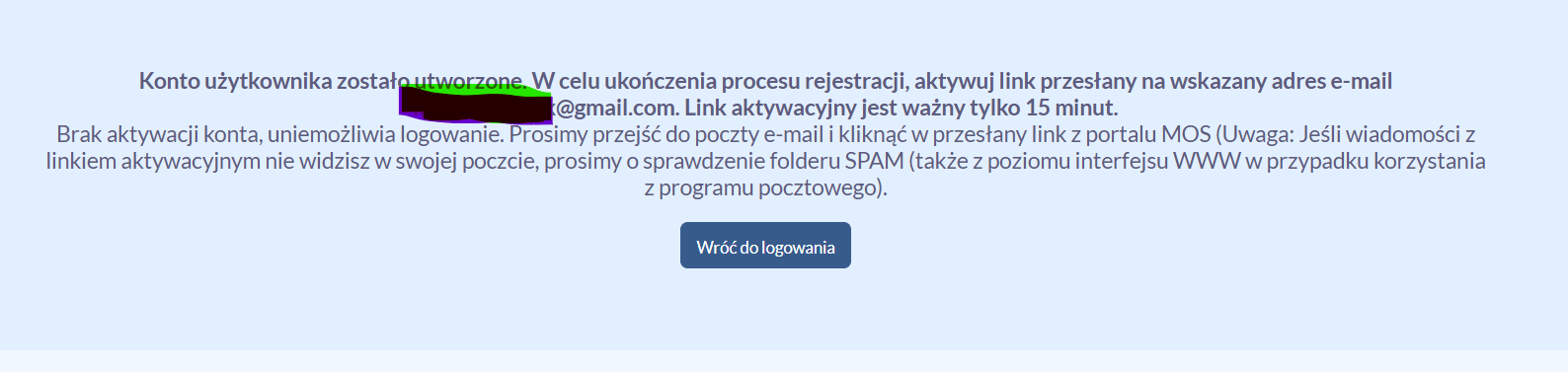
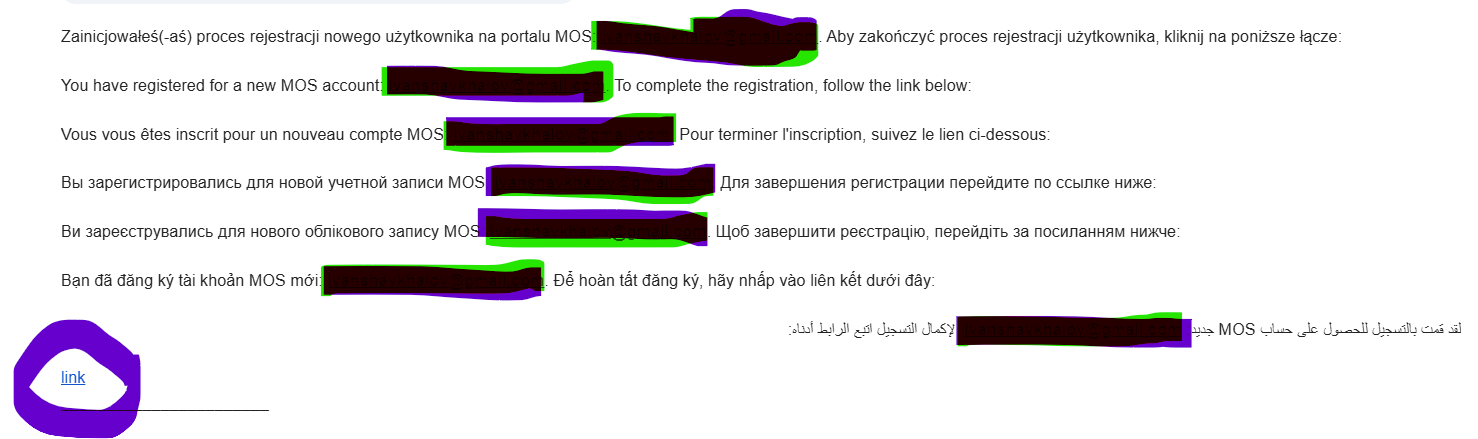
A registration confirmation link will arrive by e-mail.
The link is only active for 15 minutes
If you don't see the e-mail — check the Spam folder. Look for the link itself in the e-mail under the word link.
-
Click the link — the portal will open again; agree (Rozumiem).
-
A message will appear saying that the konto has been created and you need to log in once more: Przejdź do strony logowania → Profil Zaufany again → you are in your konto.
Adding a child (konto dziecka)
If you are also submitting a wniosek for a child, first add them to your konto:
-
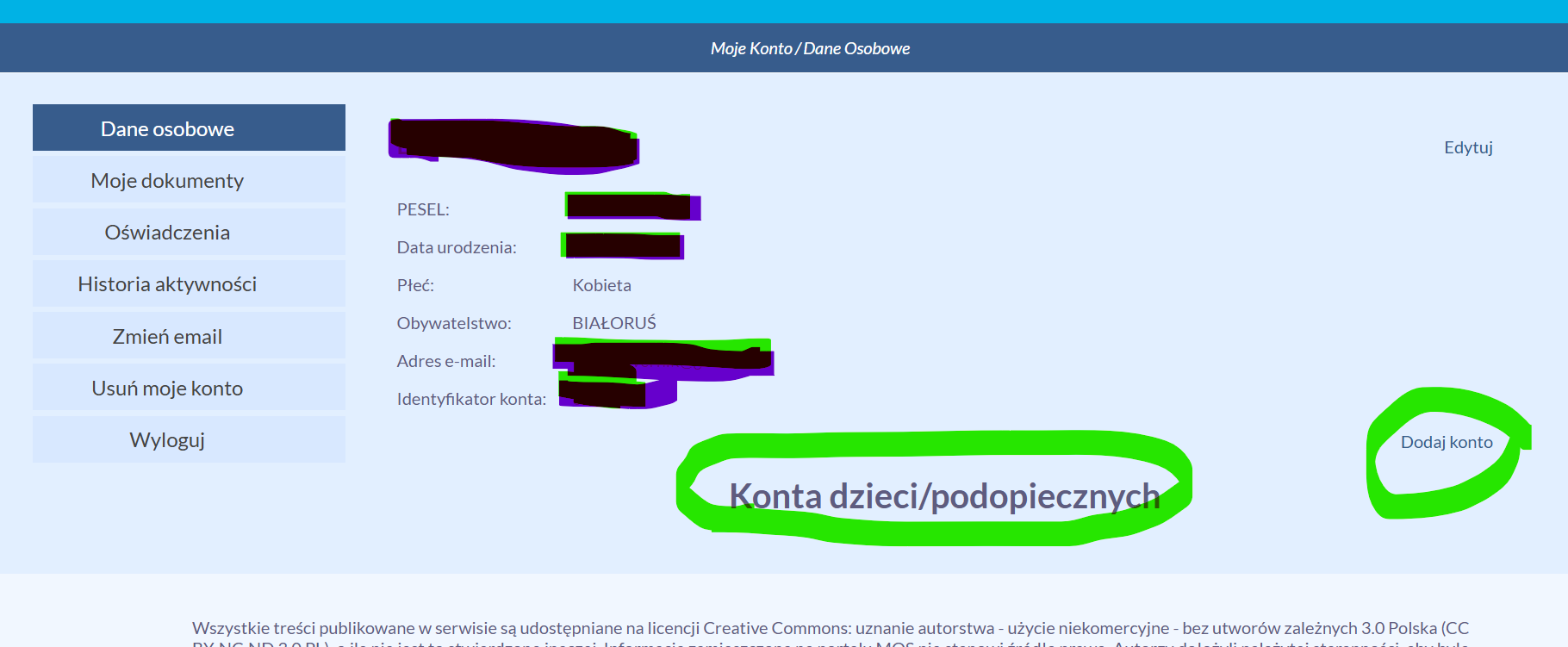
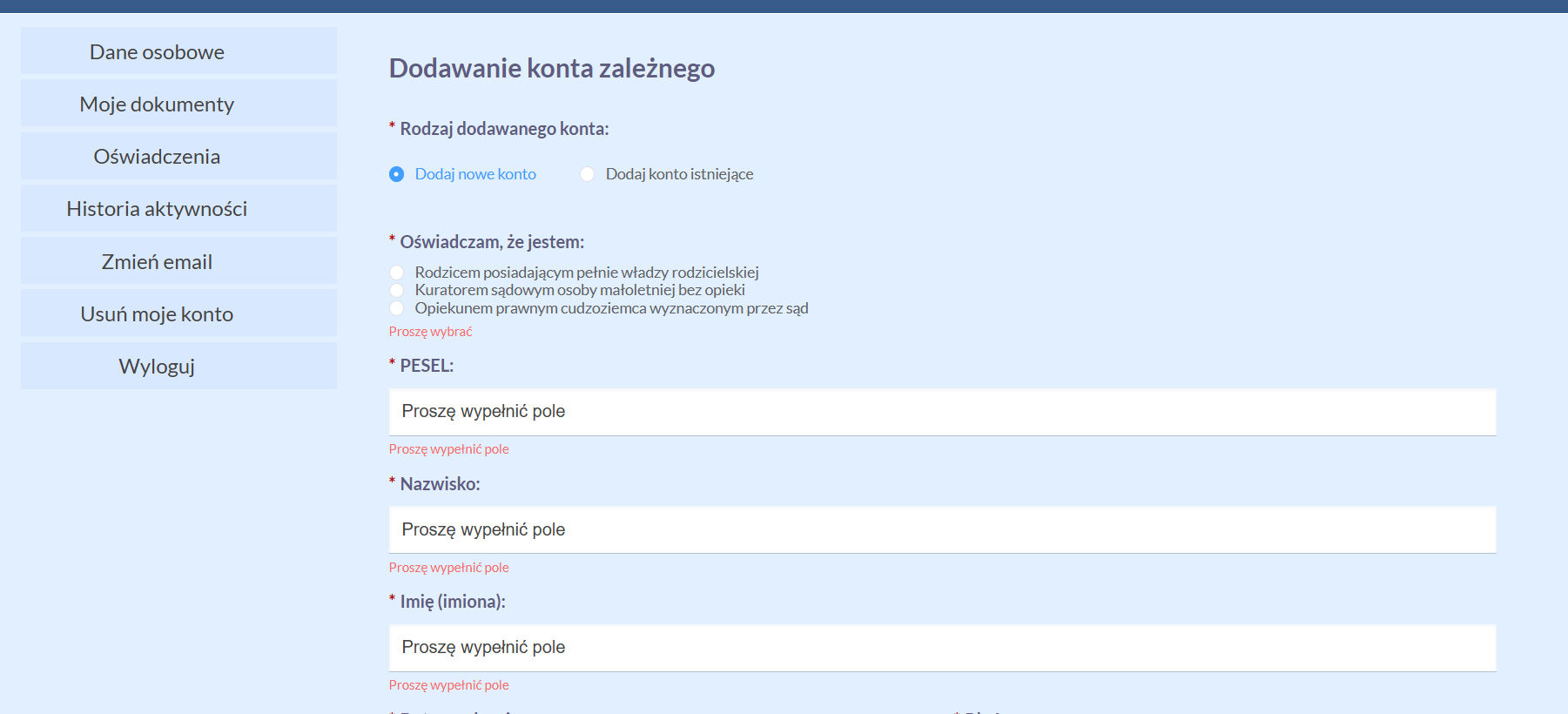
Go to Moje konto → the Konta dzieci/podopiecznych section → Dodaj konto.
-
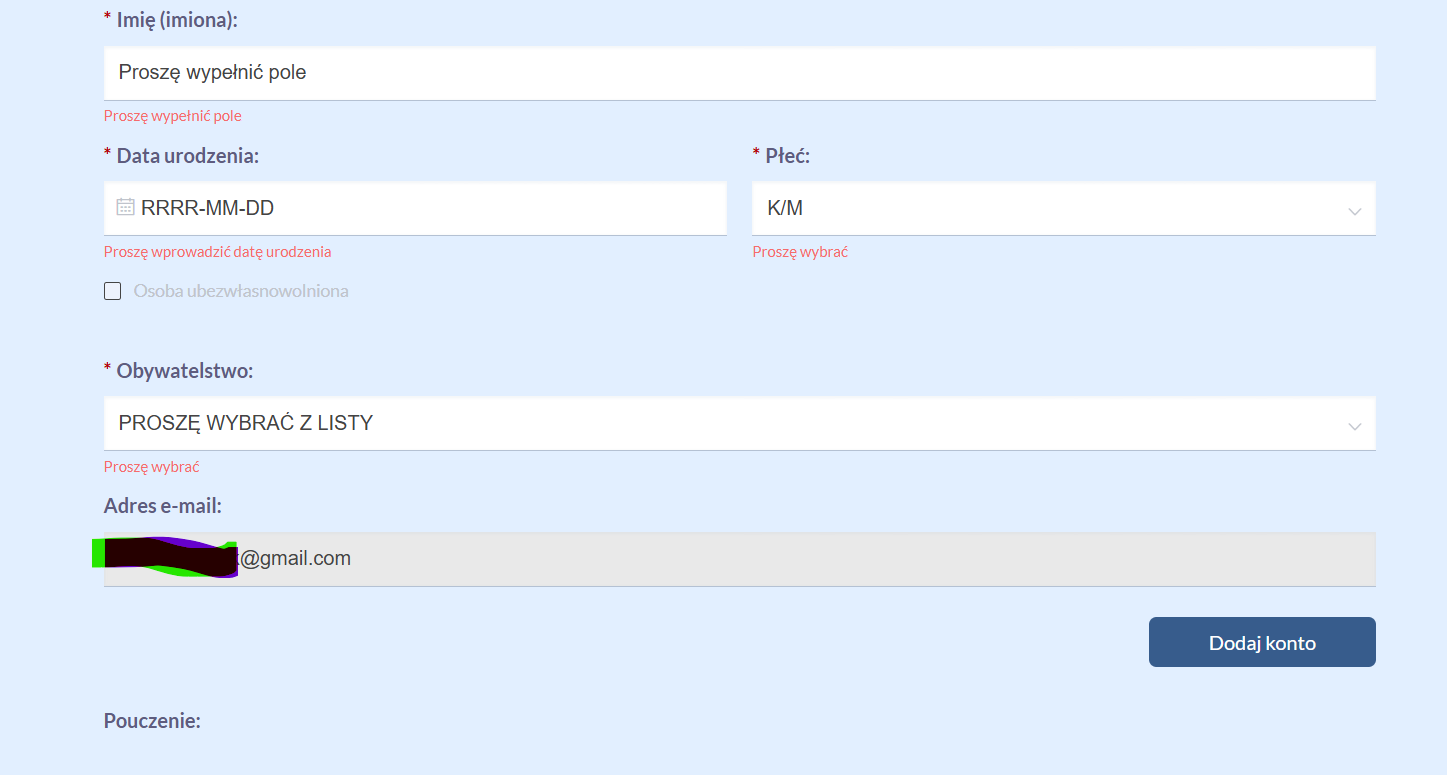
Fill in the child's details. Choose creating a nowe konto — accounts from the old MOS have been deleted.
-
Click Dodaj konto at the bottom.
Filling out the wniosek
-
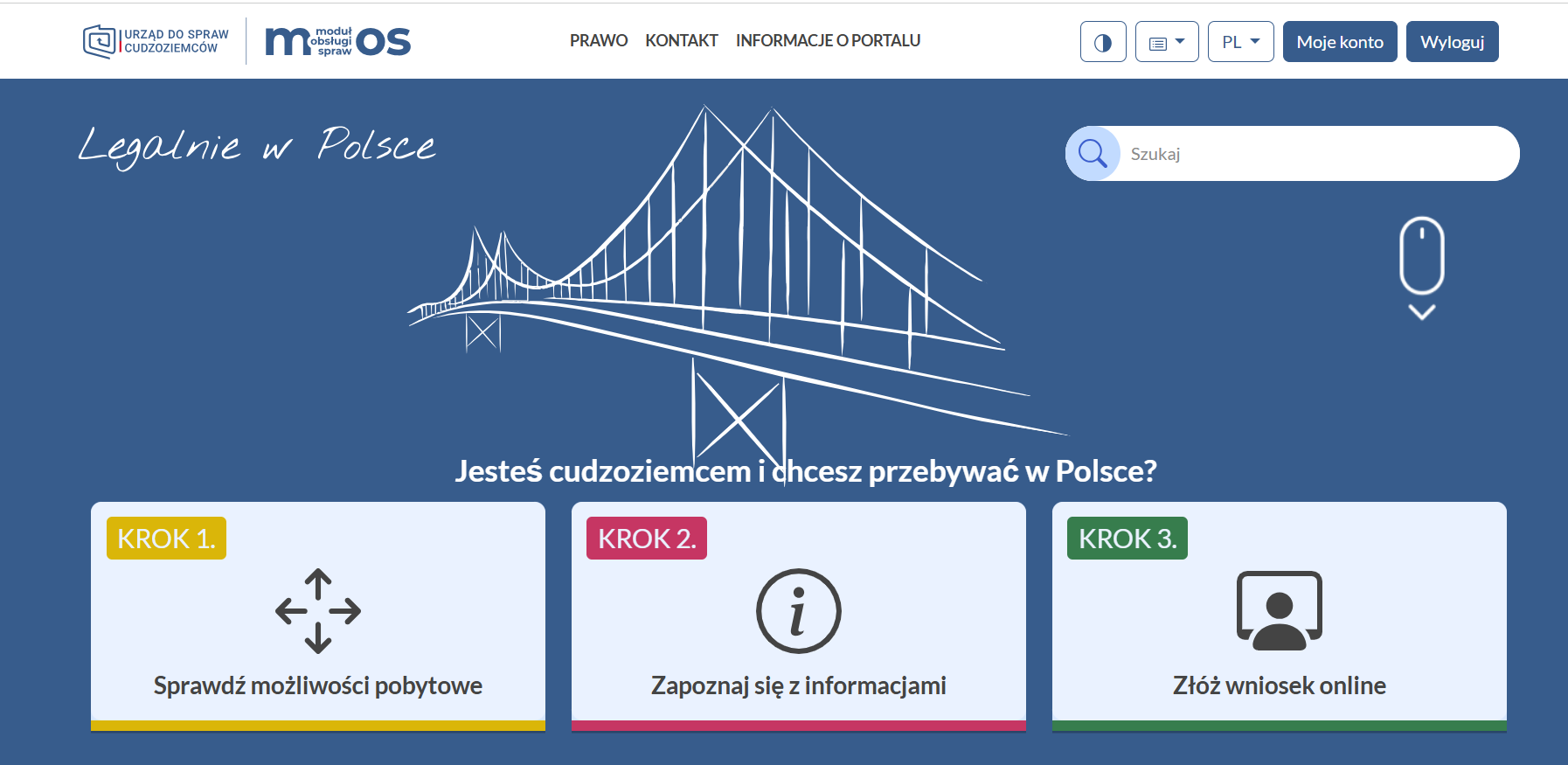
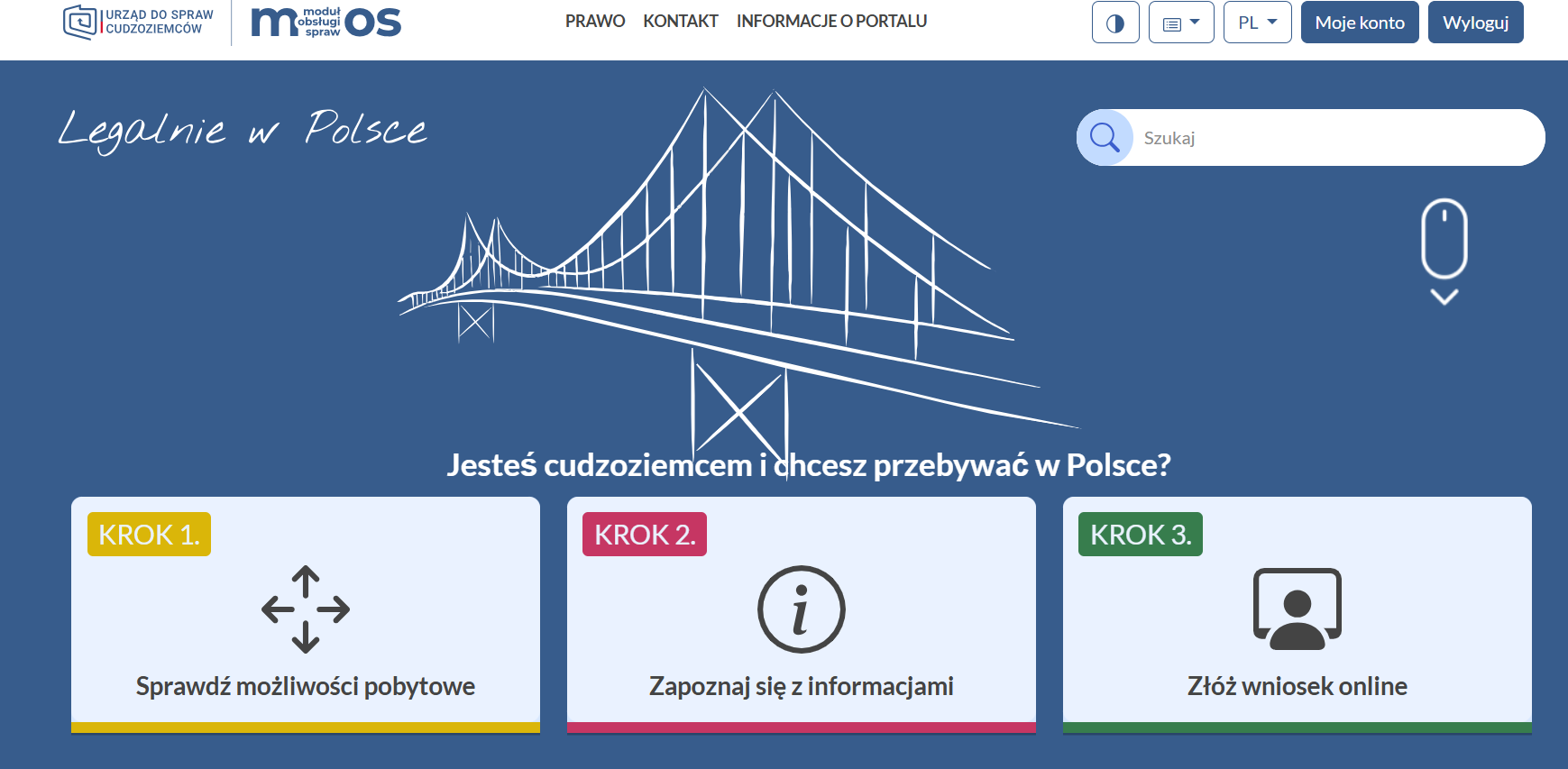
On the home page, select Krok 3 — Złóż wniosek online (green).
-
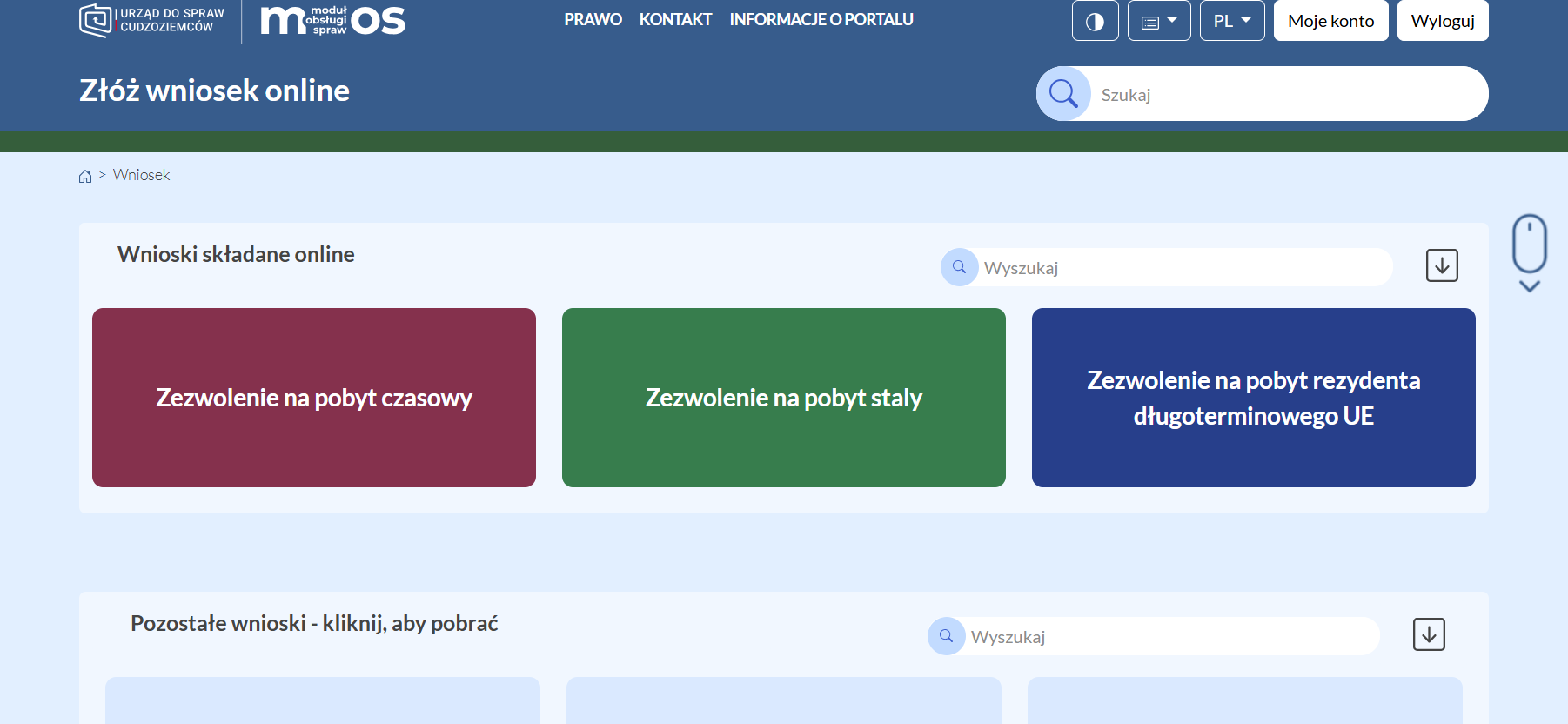
Select Zezwolenie na pobyt czasowy.
-
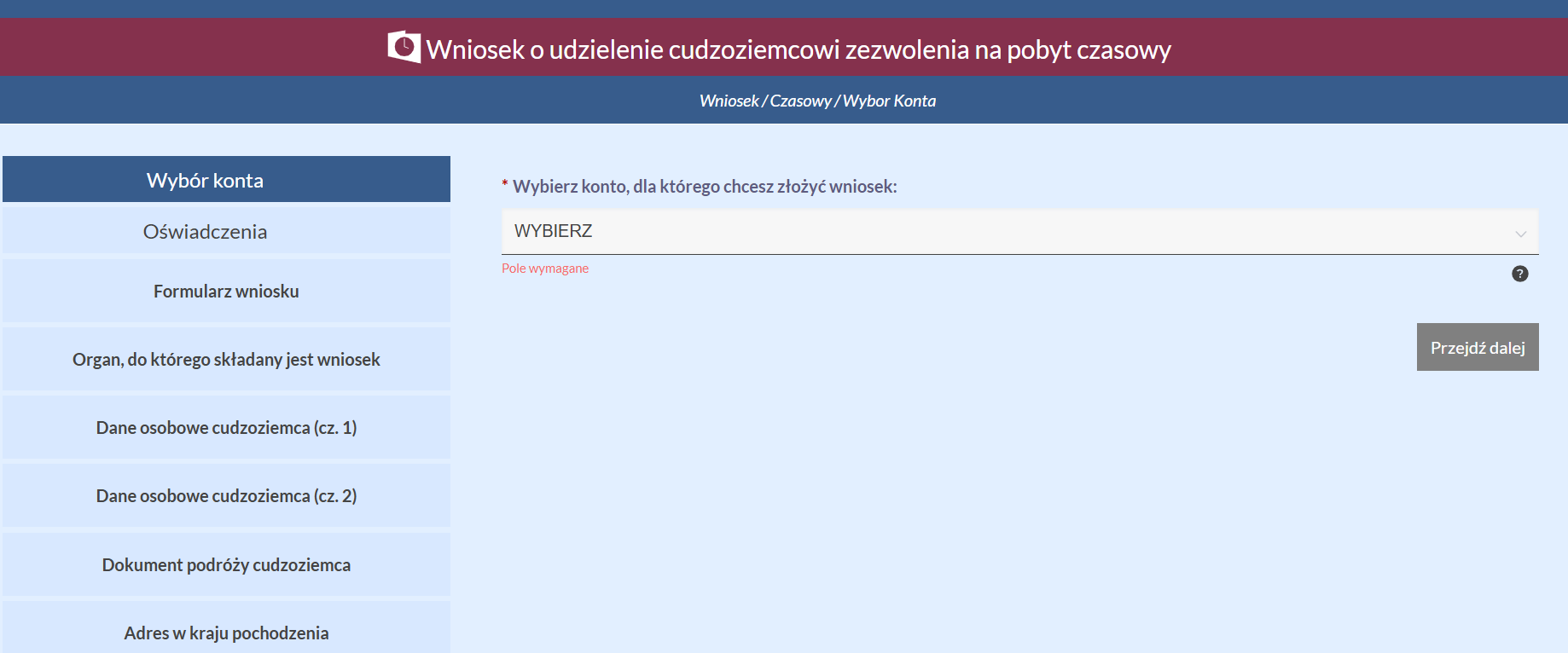
If there is a child in your profile, a field will appear to choose who the wniosek is for — select the needed konto.
-
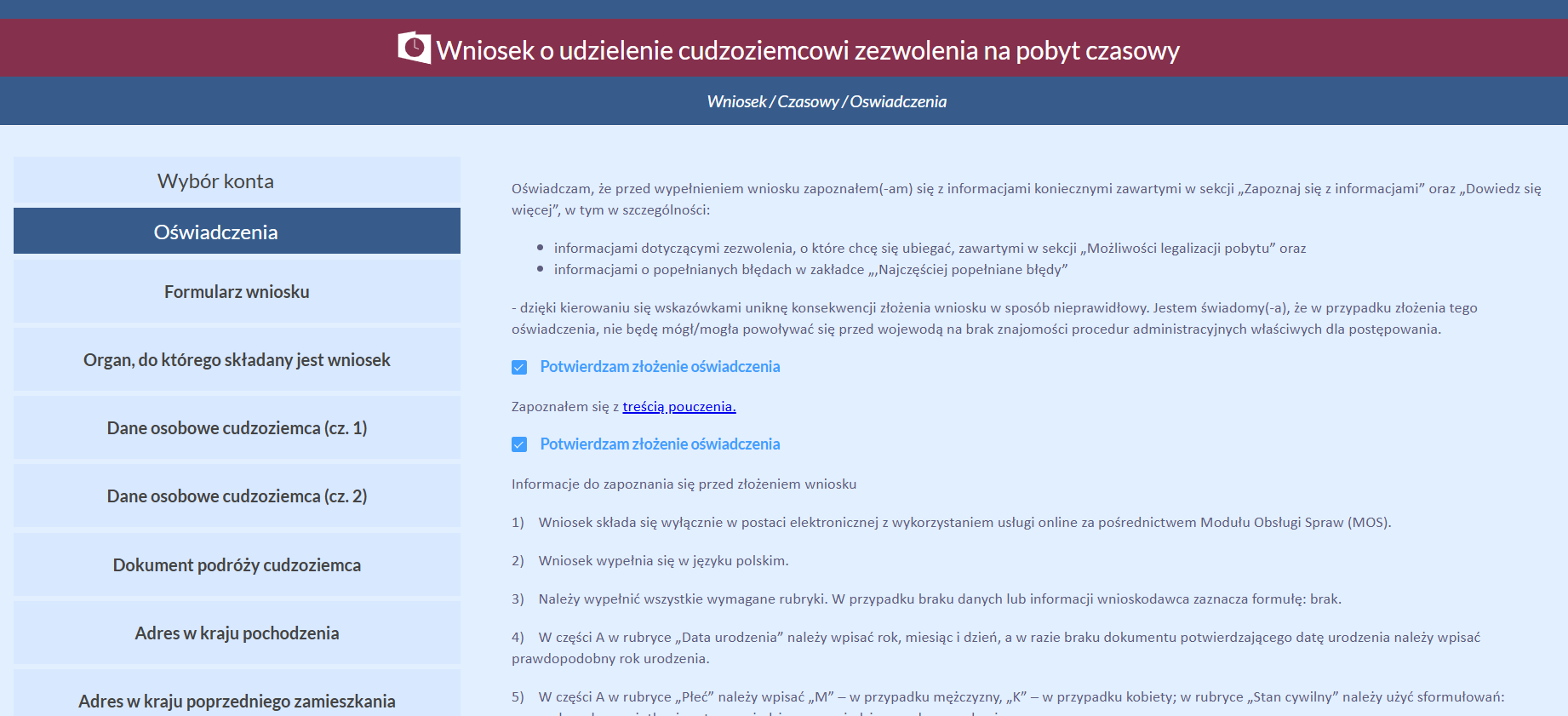
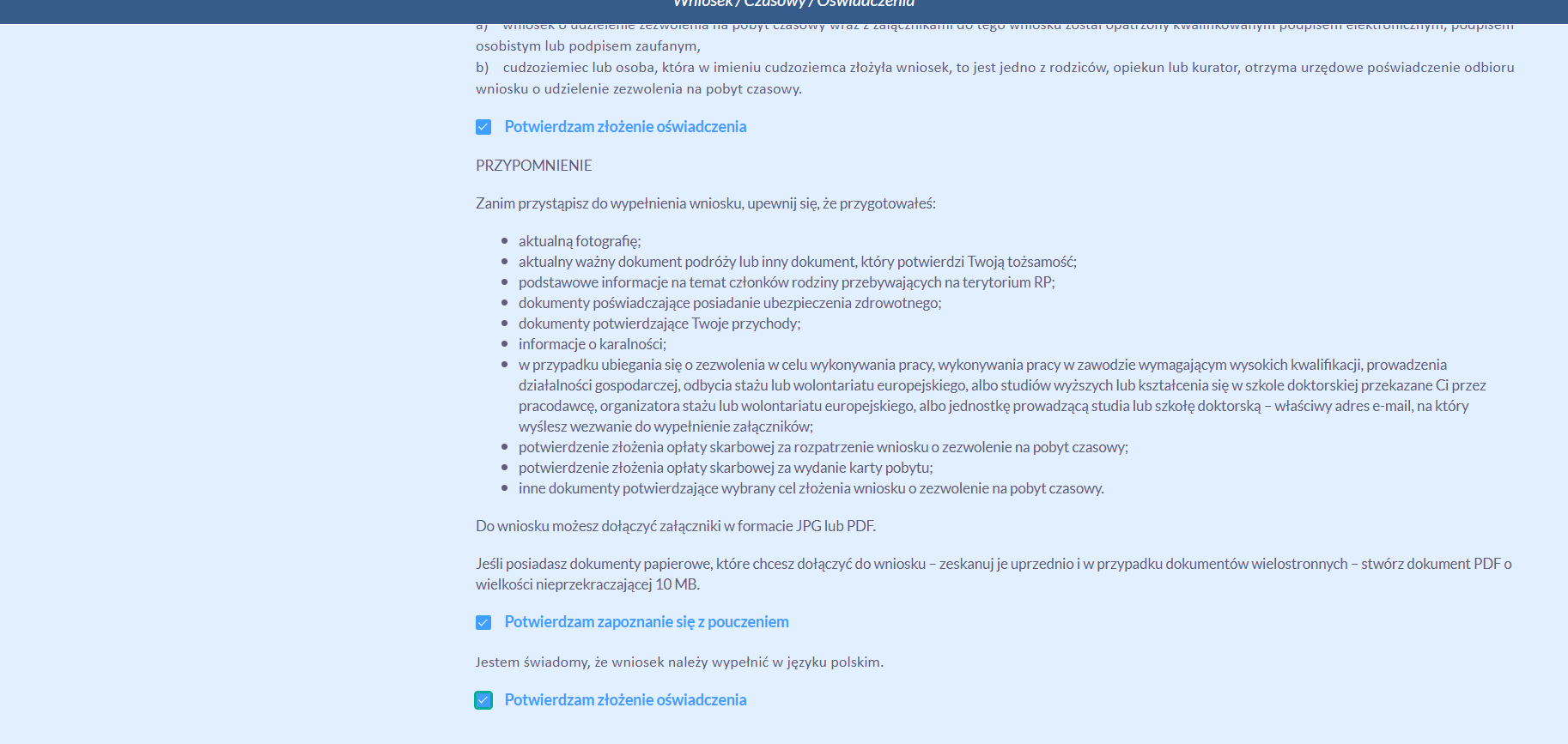
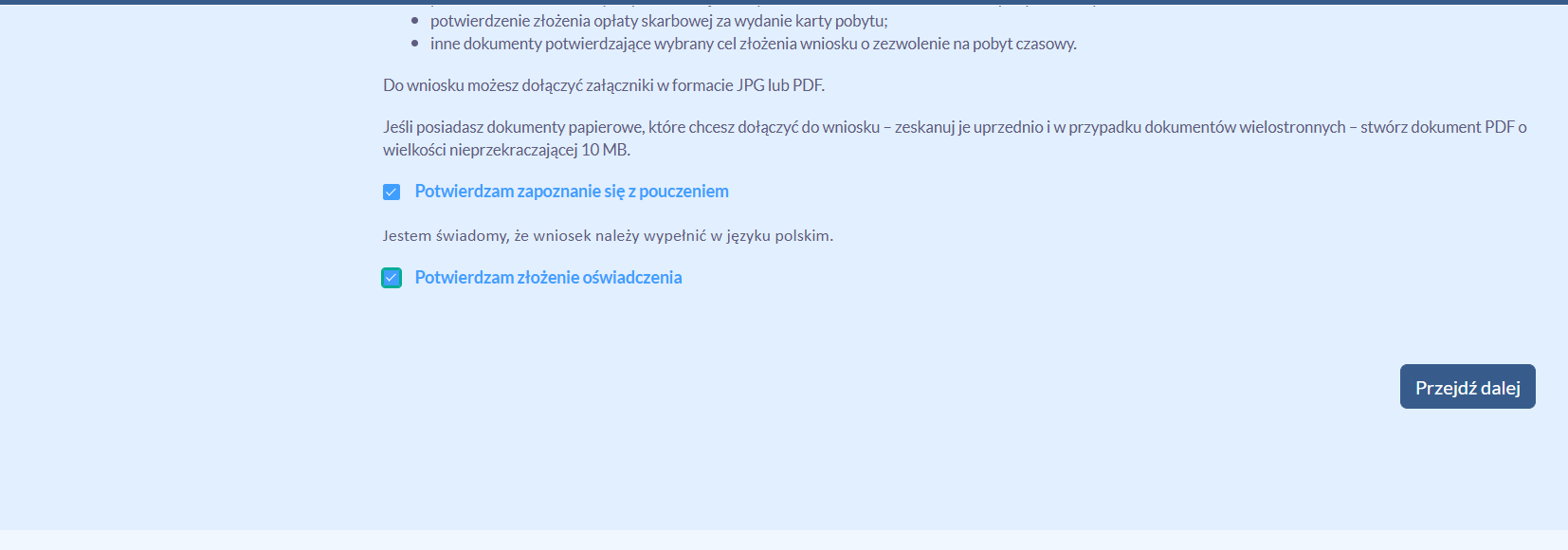
Next, several screens of oświadczenia (declarations) will appear — read them and tick the checkboxes (there should be 5 of them in total), then click Przejdź dalej at the bottom right.
-
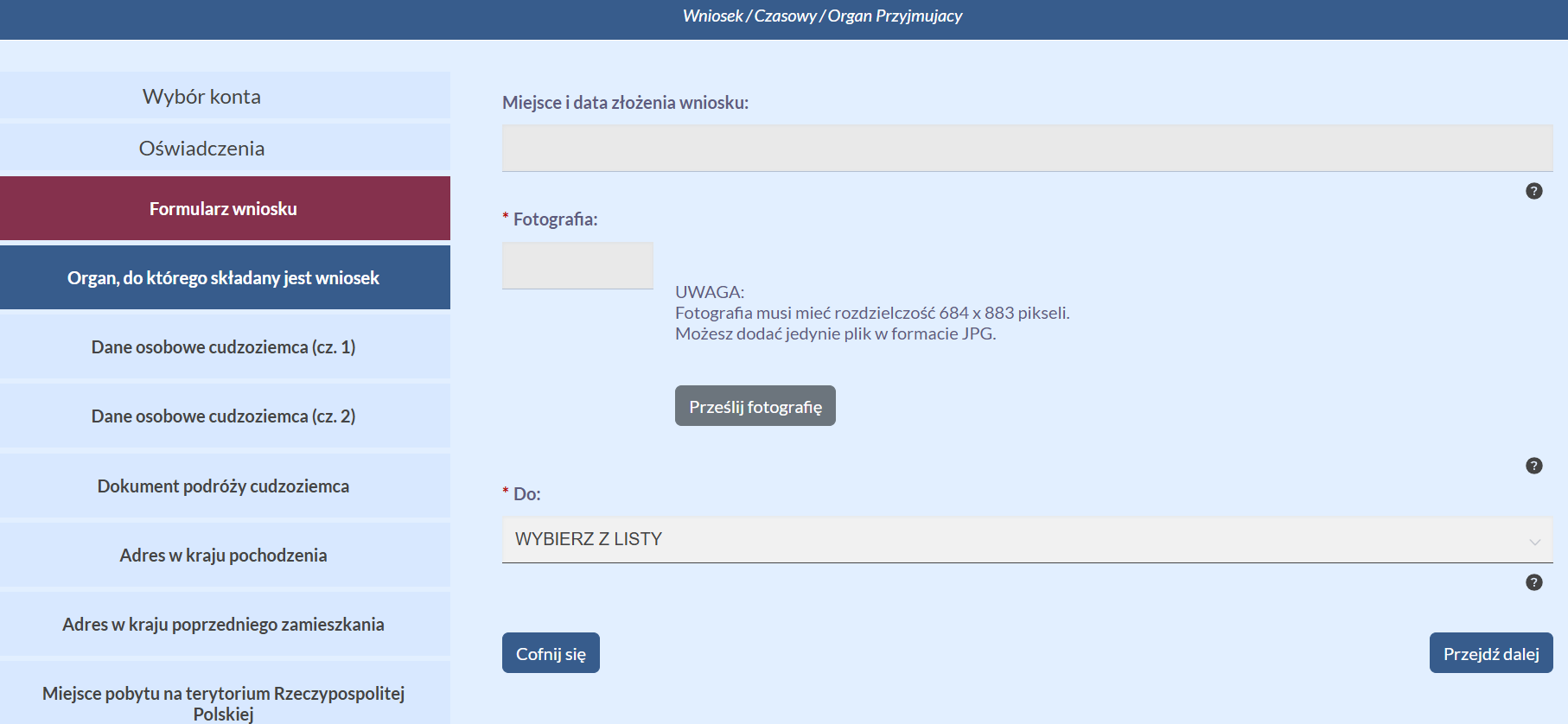
Attach the photo (684 × 883 px, JPG) by clicking the gray Prześlij fotografię button.
-
Select the voivode (the authority the wniosek is submitted to) and click Przejdź dalej.
-
Dane osobowe (cz. 1) — all standard: last name, previous last names, first name, parents' names. After filling it in, click Przejdź dalej.
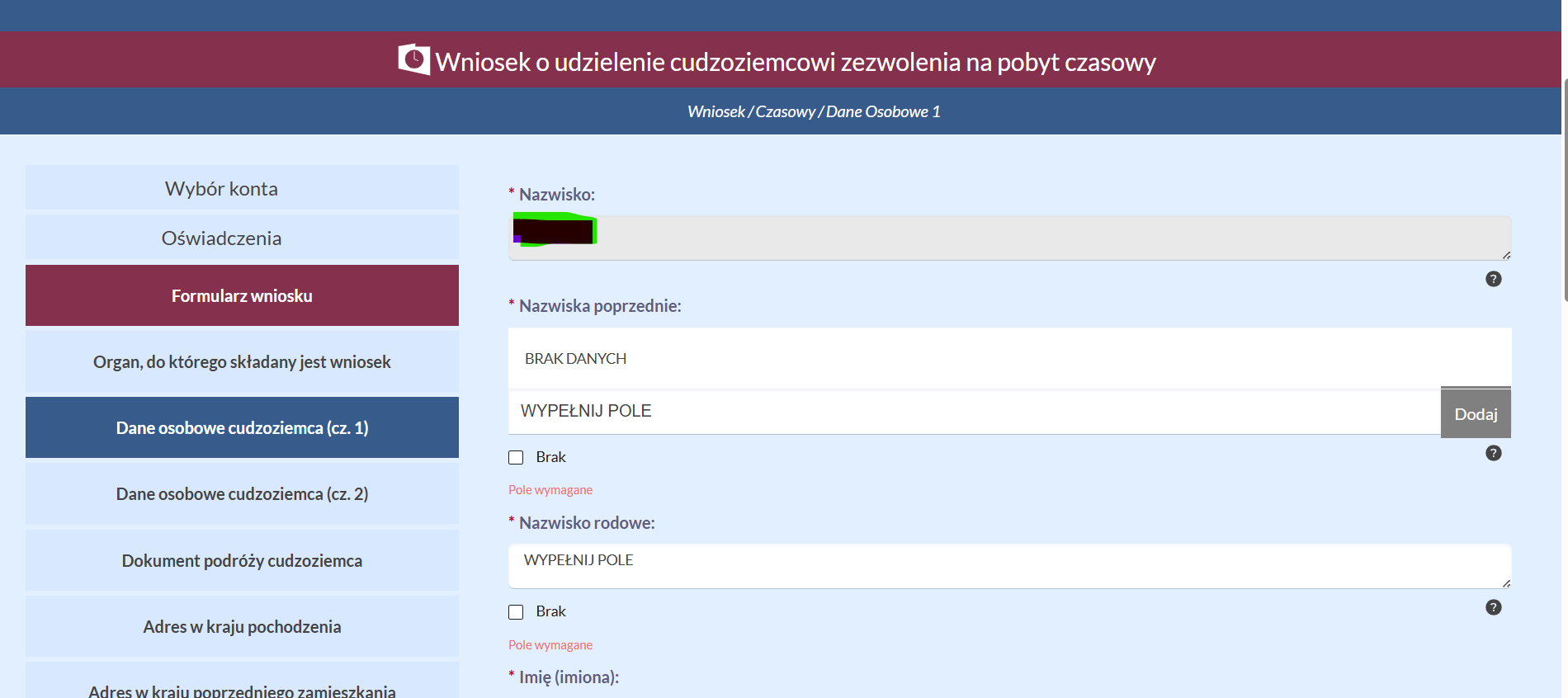
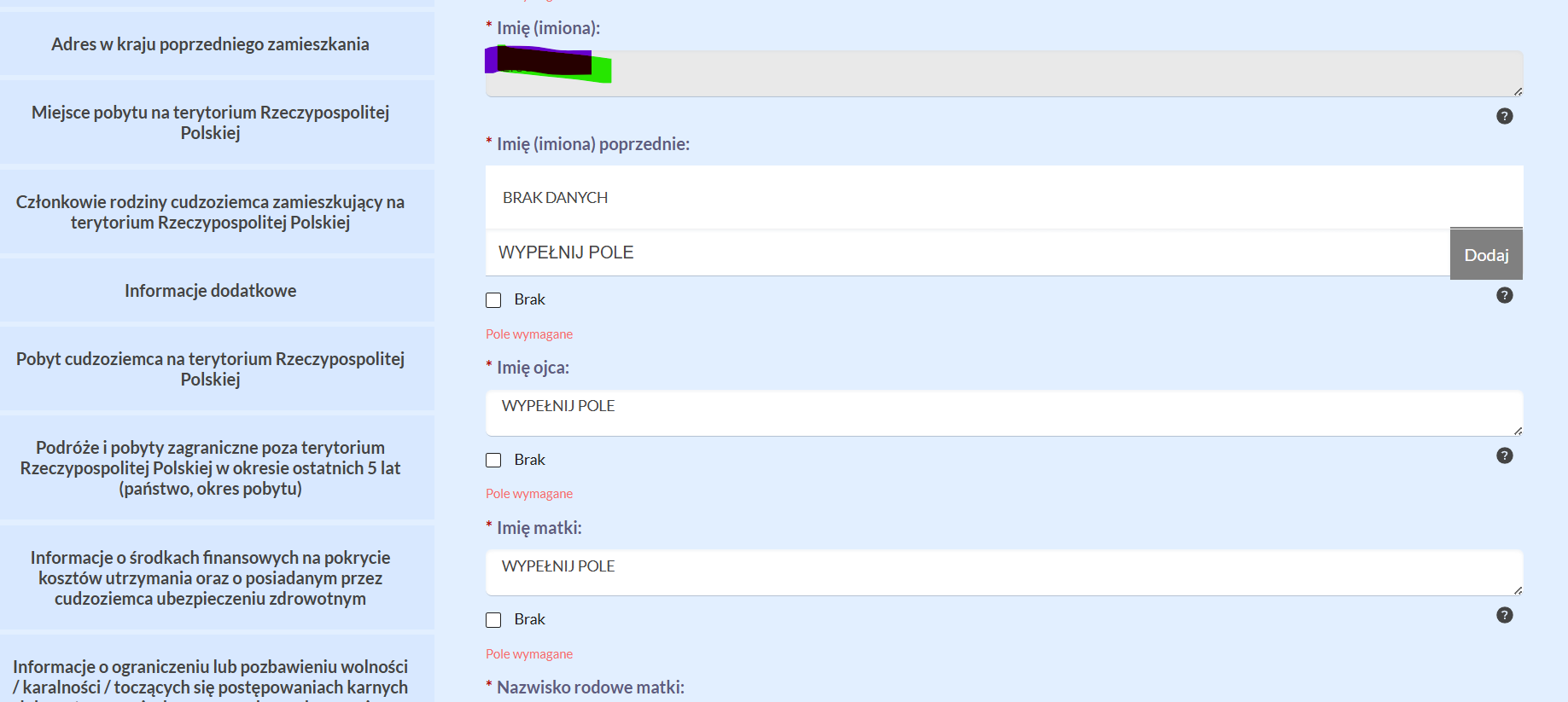
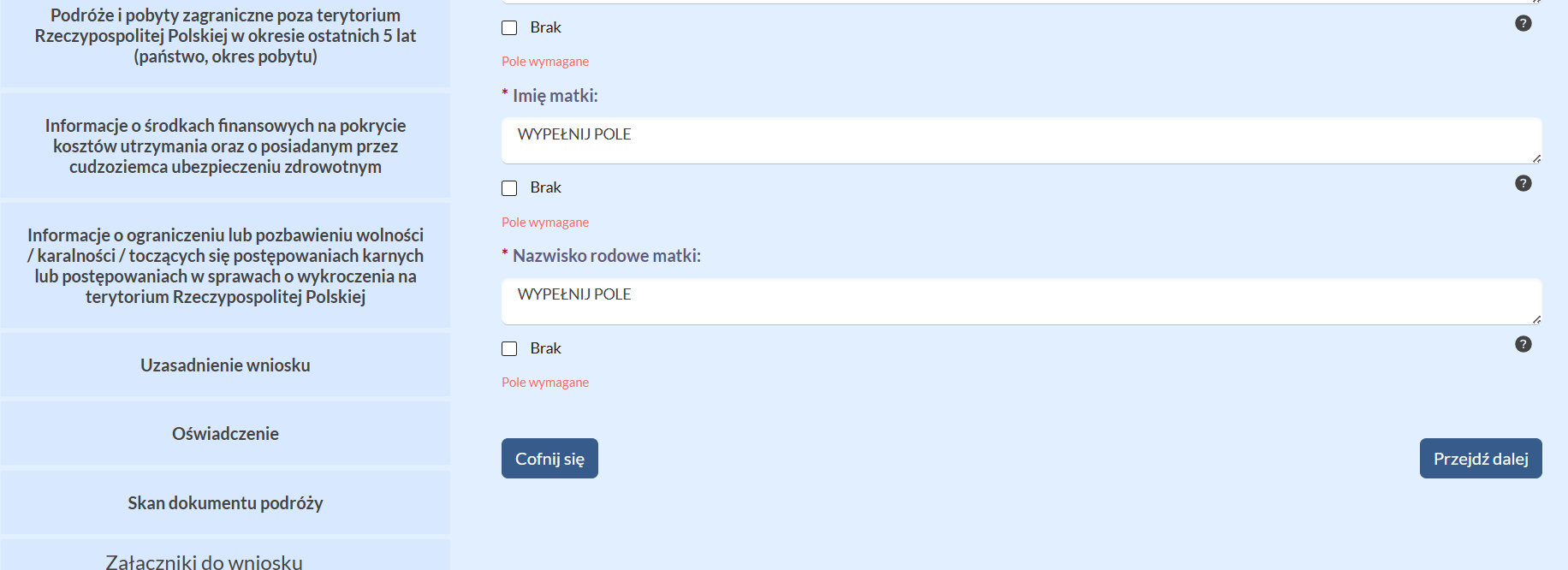
-
Dane osobowe (cz. 2) — date and place of birth, citizenship, marital status, education, height, eye color, PESEL, phone, e-mail.
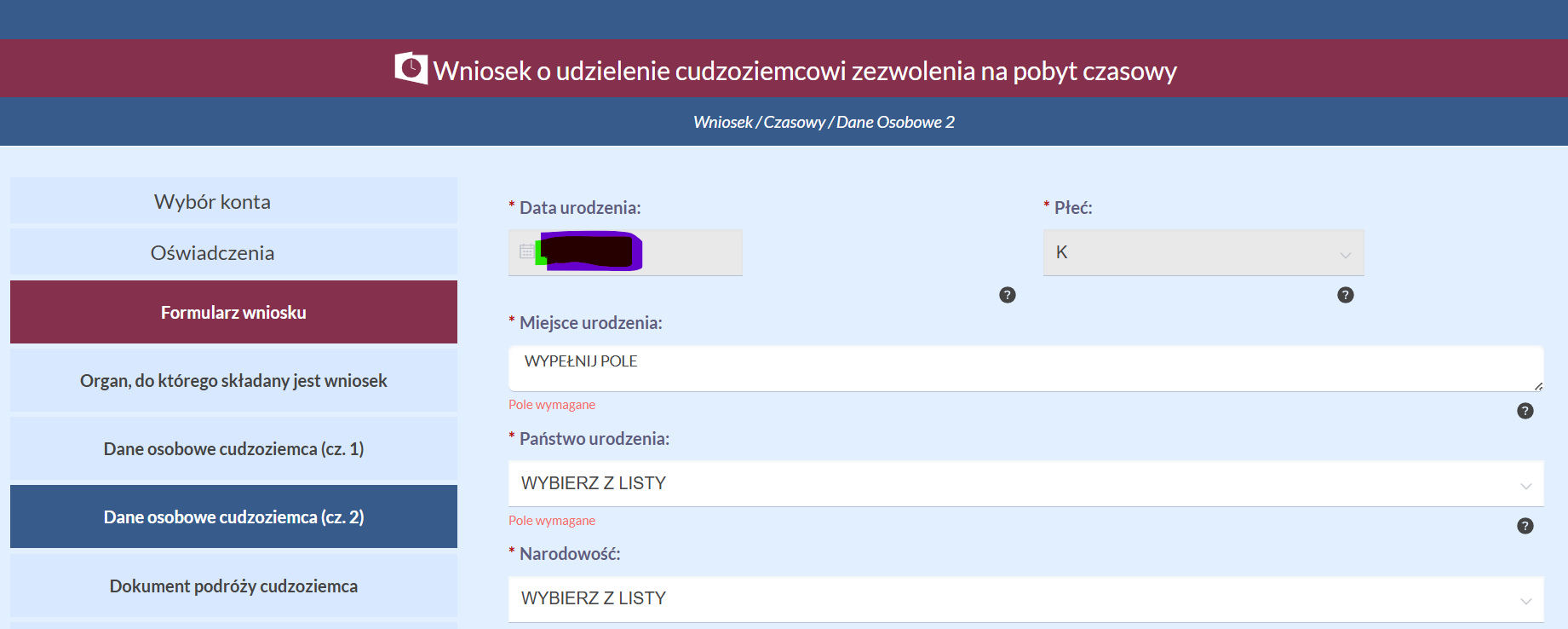
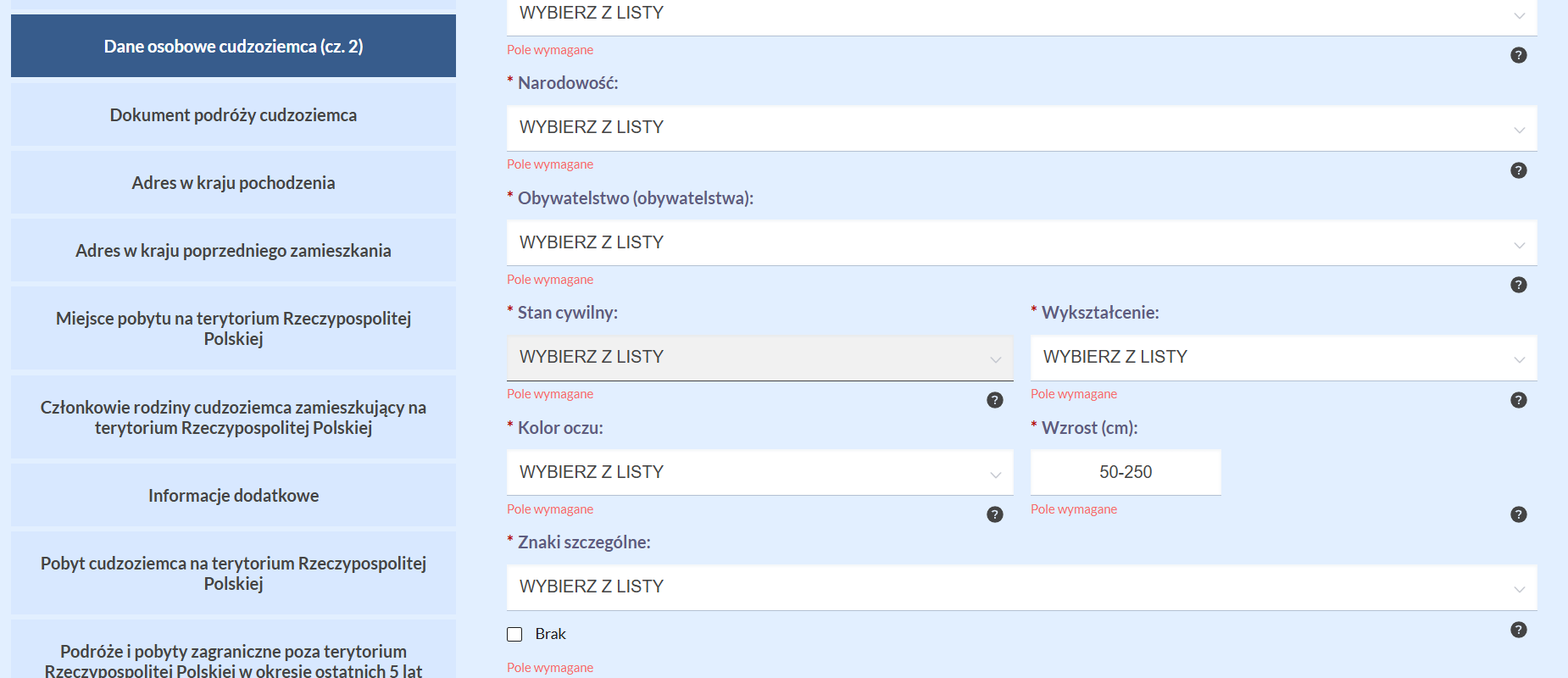
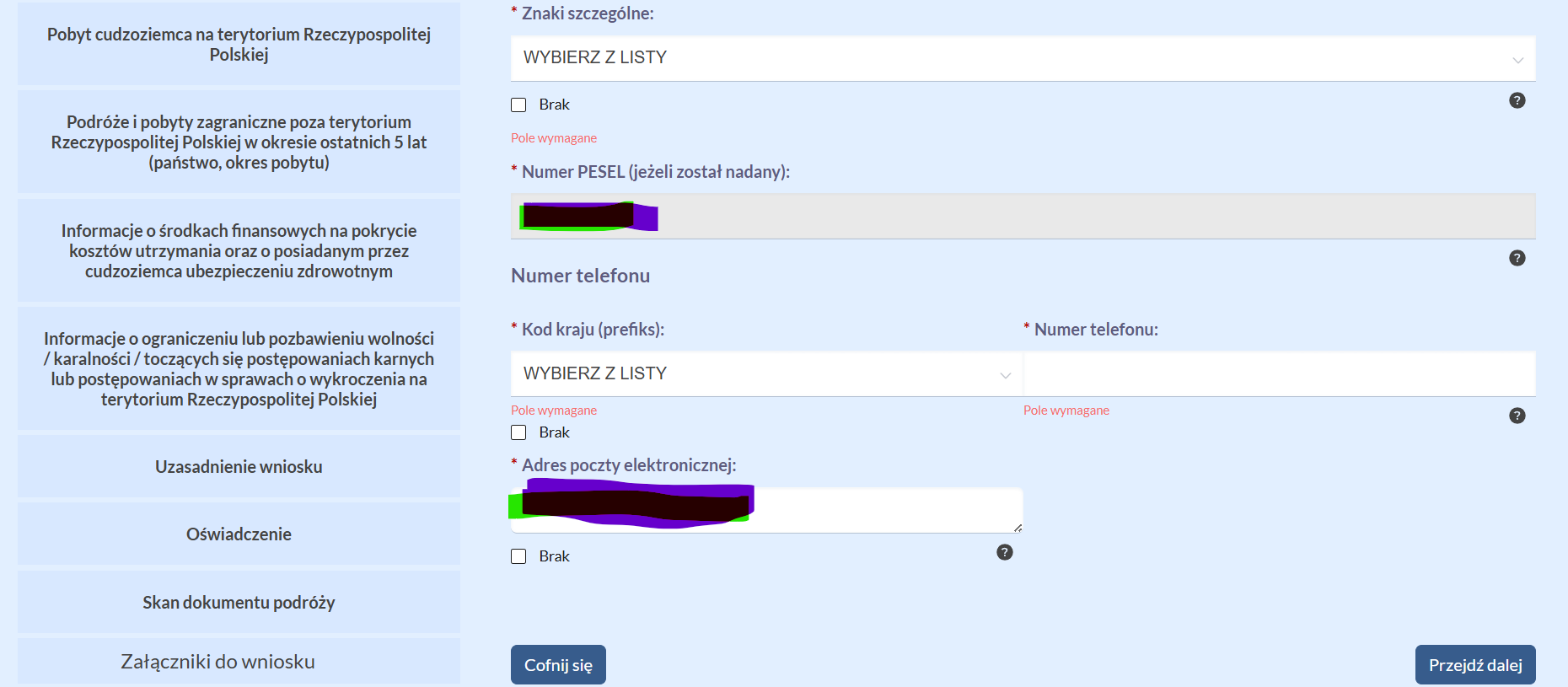
-
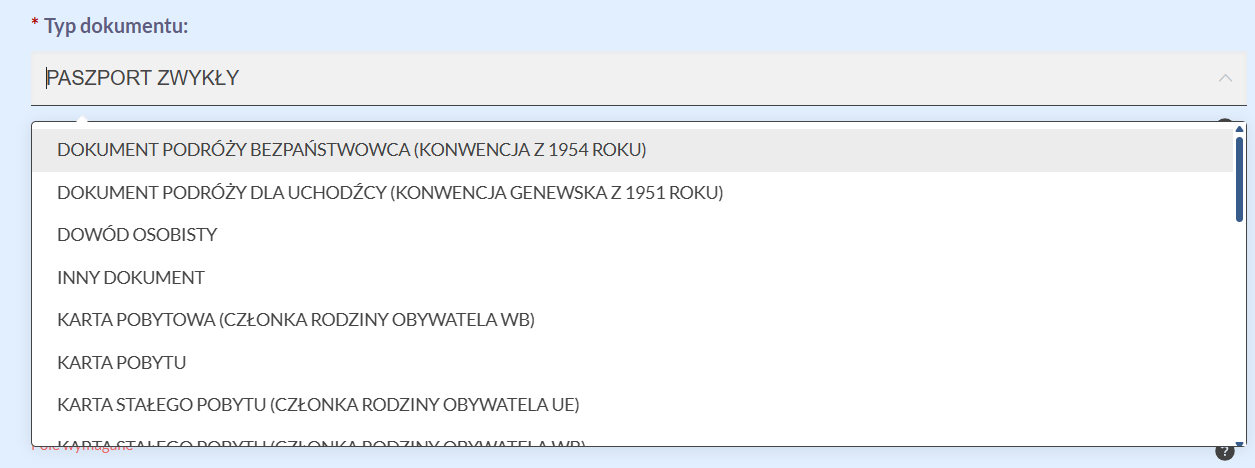
Dokument podróży — passport details. Pay attention to the explanation about the document type (the "?" sign under the field): if you are not a refugee, a diplomat, or a sailor, your choice is PASZPORT ZWYKŁY (the residence cards in the list are not for this case).
A new field — Liczba osób wpisanych do dokumentu podróży: fill it in only if other people (usually children) are entered into your passport. If nobody is entered — tick Brak, even if you have children with their own passports.

-
Adres w kraju pochodzenia — a new field: your last address in the country of citizenship.
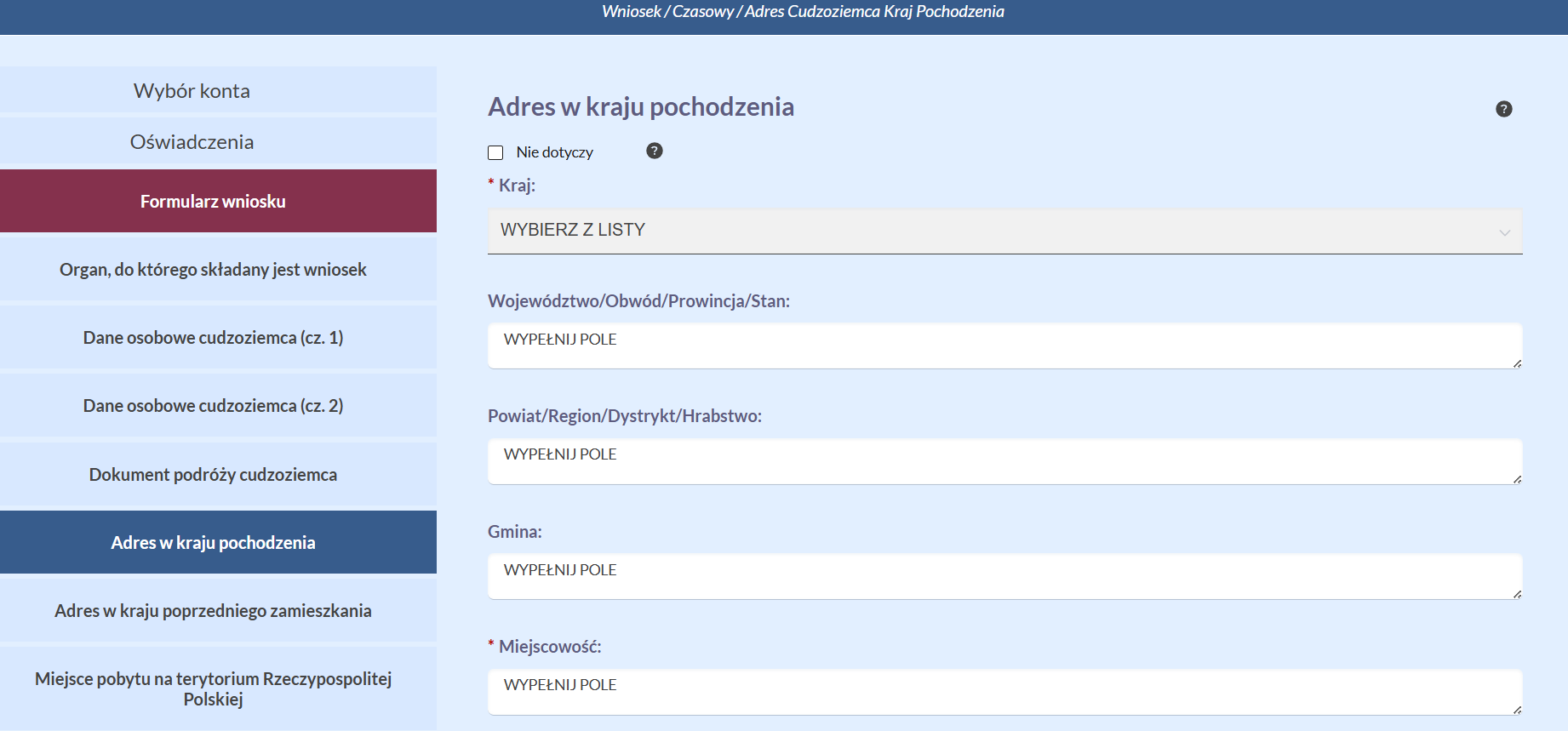
-
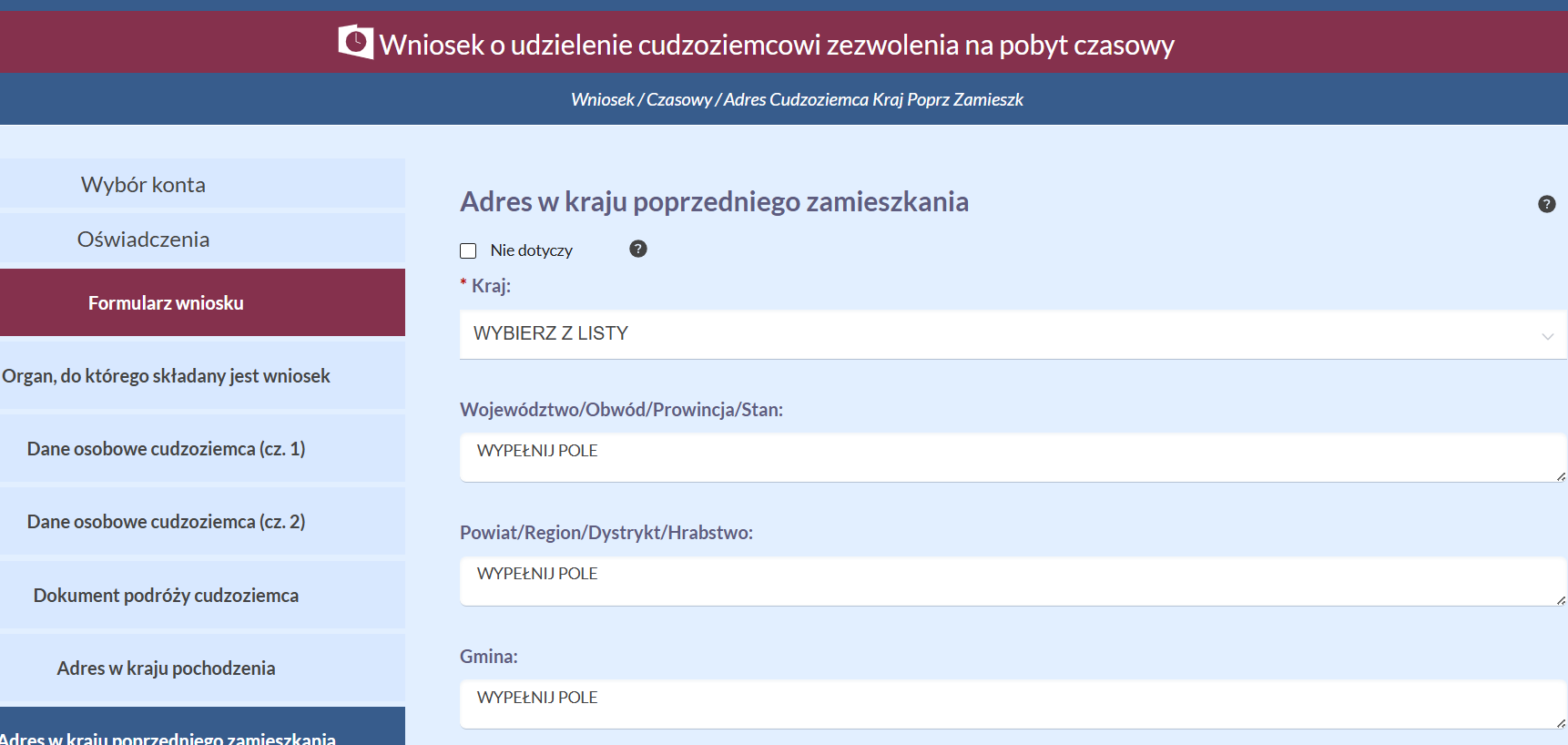
Adres w kraju poprzedniego zamieszkania — the address in the country of previous residence during the 12 months before moving to Poland. Filled in if the country of citizenship and the country of previous residence are different; otherwise tick Nie dotyczy.
-
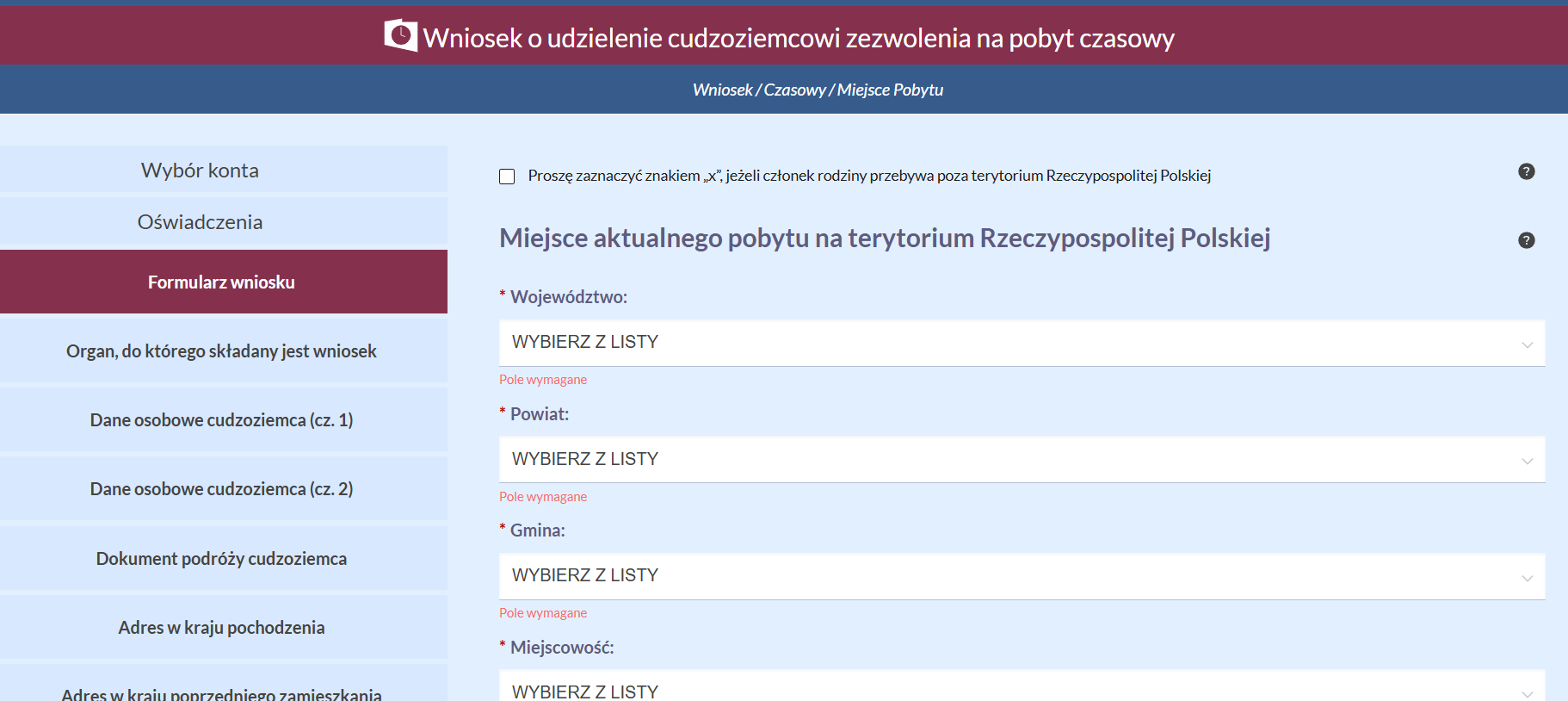
Miejsce aktualnego pobytu — your current address in Poland.
-
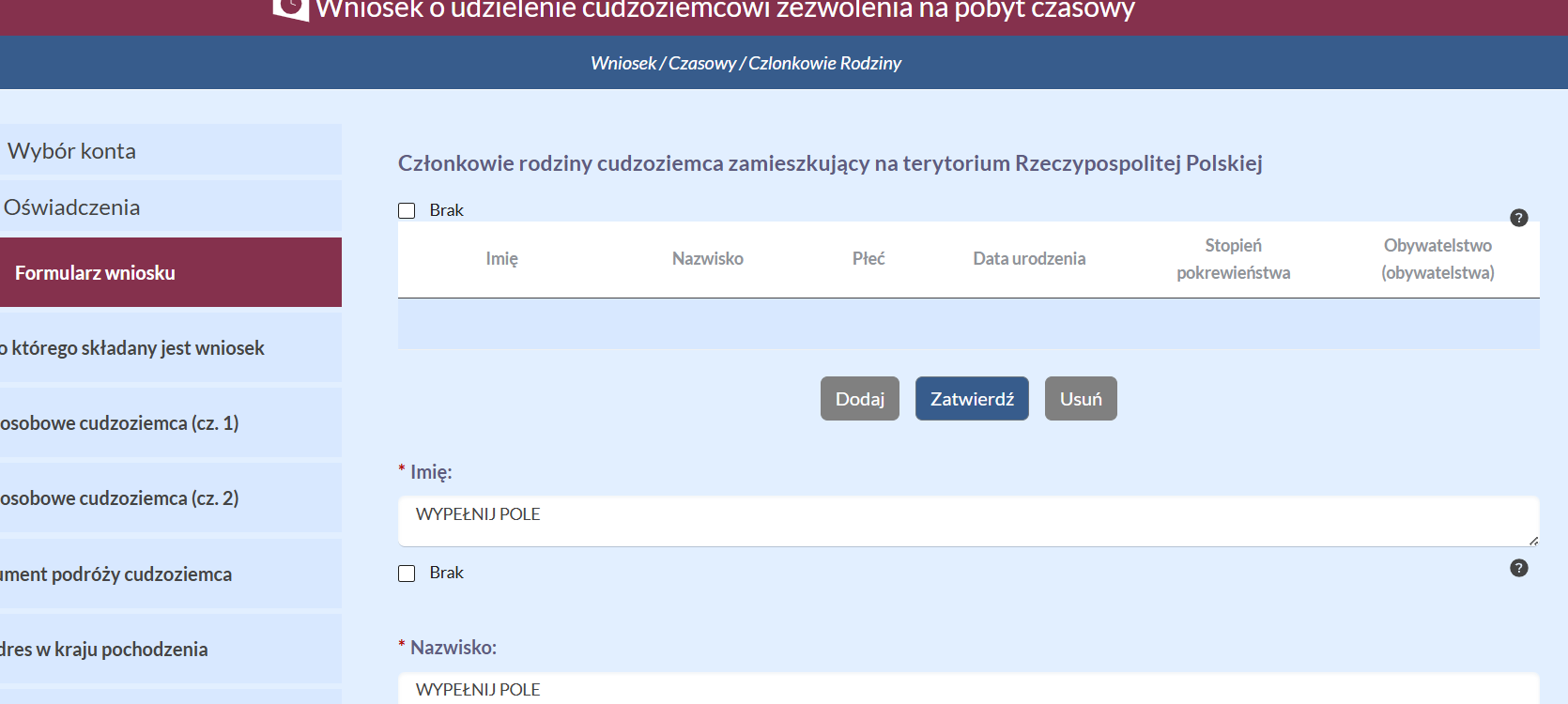
Członkowie rodziny — relatives in Poland. For a husband/wife the degree of kinship is współmałżonek/współmałżonka, for children — syn/córka.
-
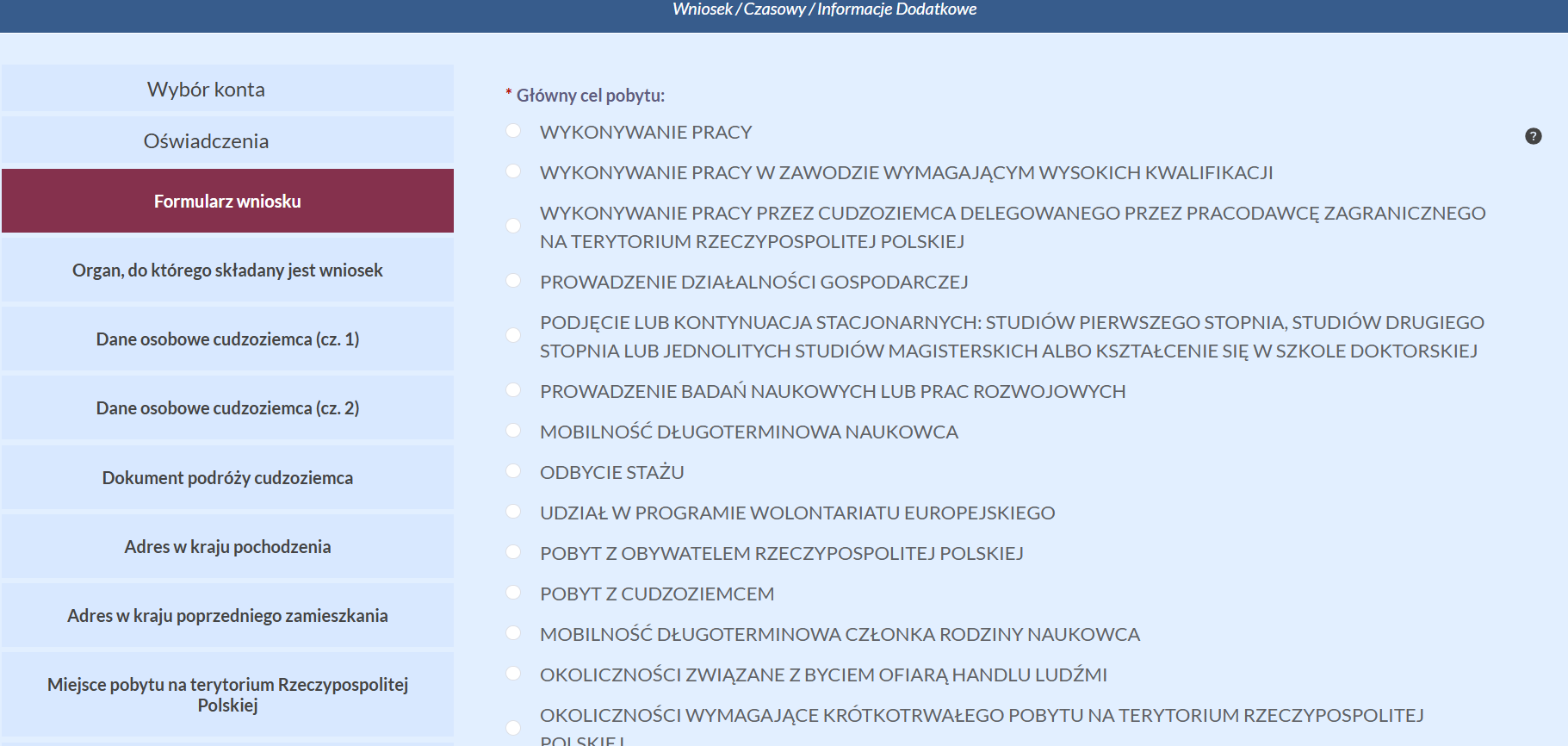
Główny cel pobytu — the purpose of stay. For a sole proprietor — prowadzenie działalności gospodarczej.
-
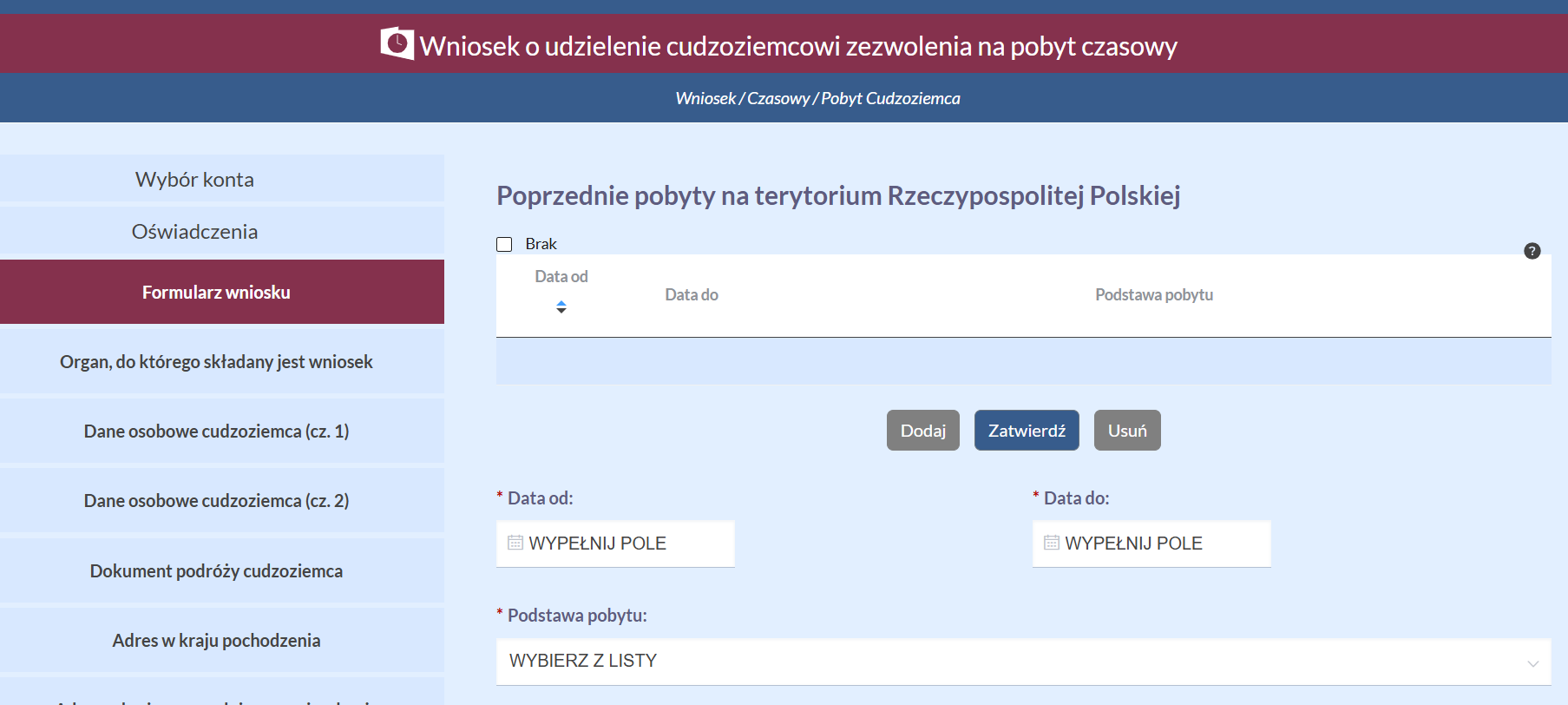
Poprzednie pobyty — all previous stays in Poland over your entire life. If you don't have exact dates, you can describe the period approximately in the text field (for example, "od około połowy czerwca do połowy lipca 2022 r.") — then the "Data od"/"Data do" fields don't need to be filled in. Dates can be reconstructed from passport stamps, hotel bookings, or flight tickets.
-
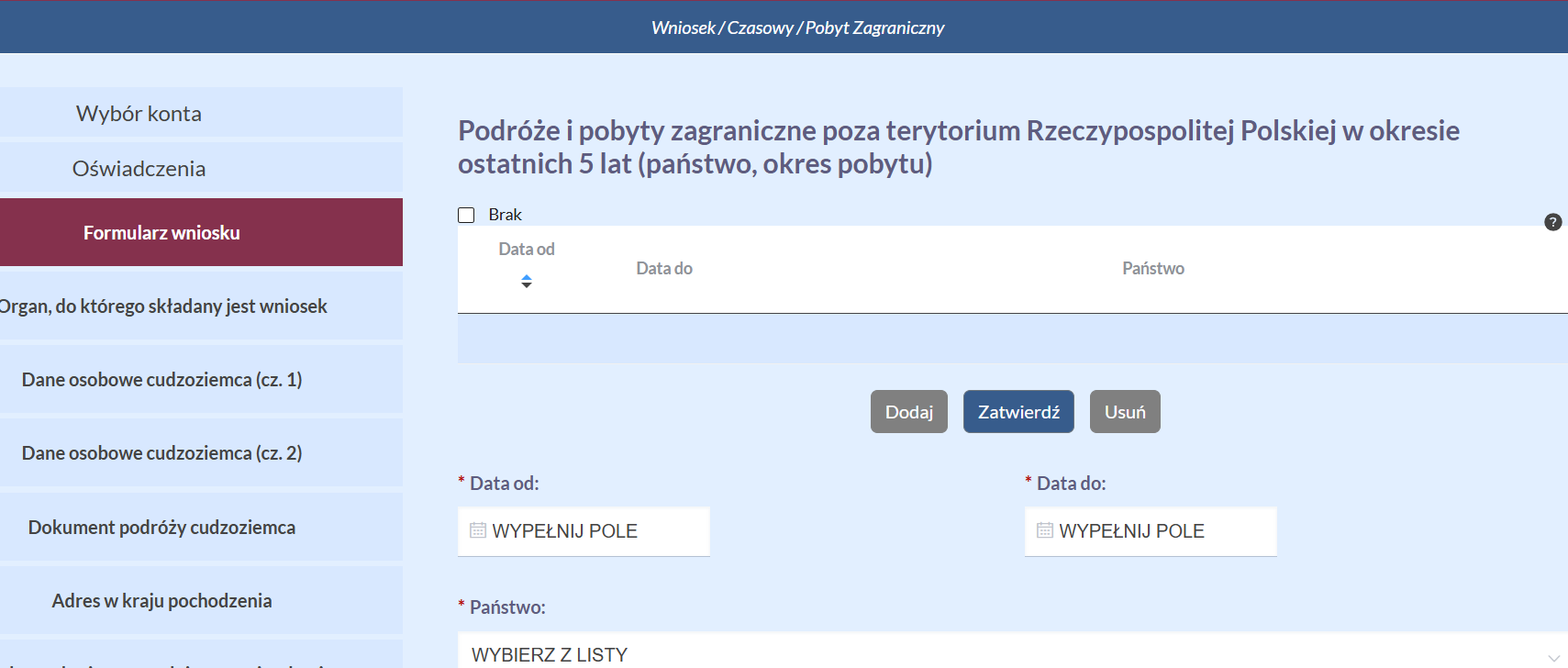
Podróże i pobyty zagraniczne — trips outside Poland over the last 5 years (country, period).
-
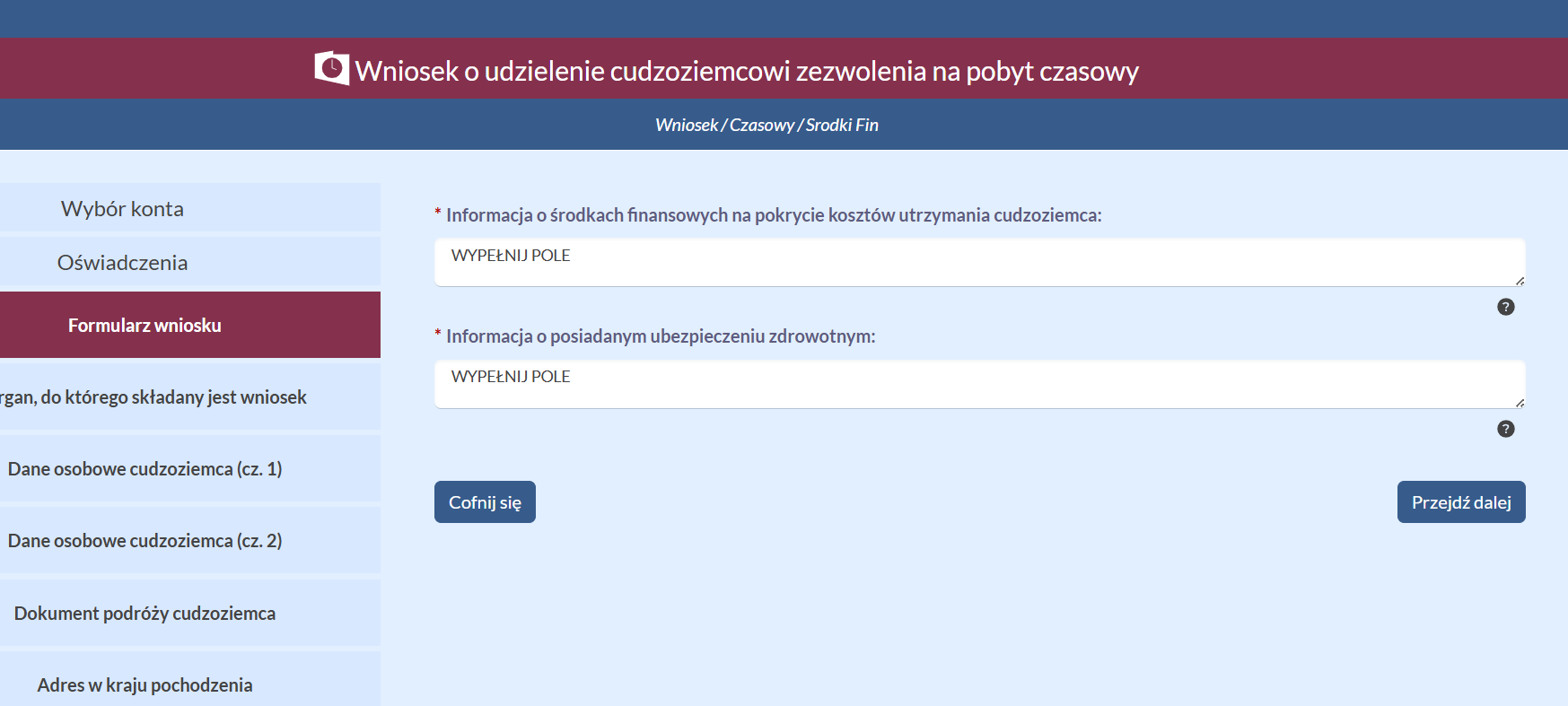
Środki finansowe — means of subsistence and health insurance (see the health insurance certificate instructions).
-
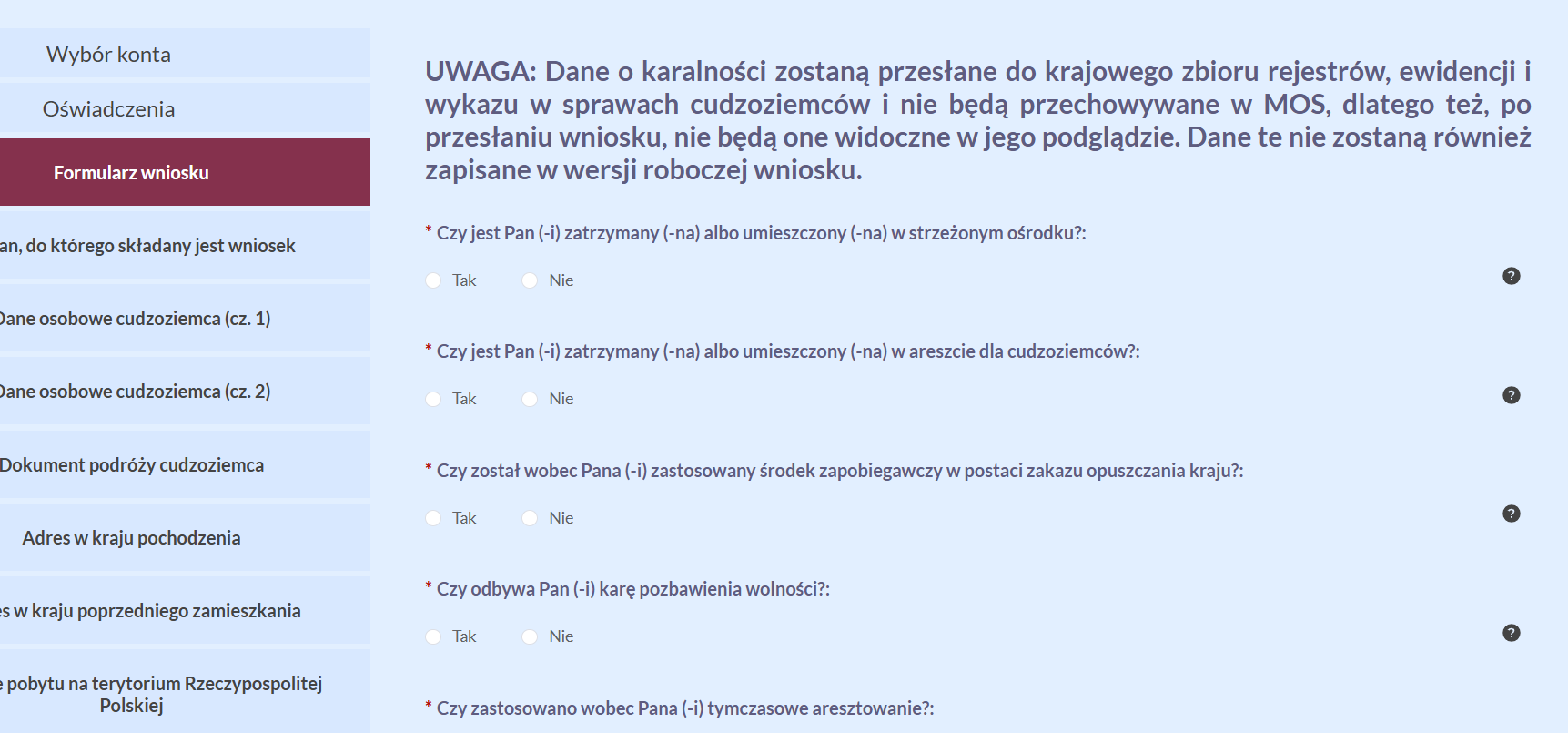
Criminal record questionnaire — questions about convictions and restrictions. This data is sent directly to the registers and is not stored in MOS: you will not see it in the wniosek preview or in the draft version.
-
Uzasadnienie wniosku — the podstawa prawna is entered manually (there is no drop-down list): for a sole proprietor —
art. 142 ustawy z dnia 12 grudnia 2013 r. o cudzoziemcach.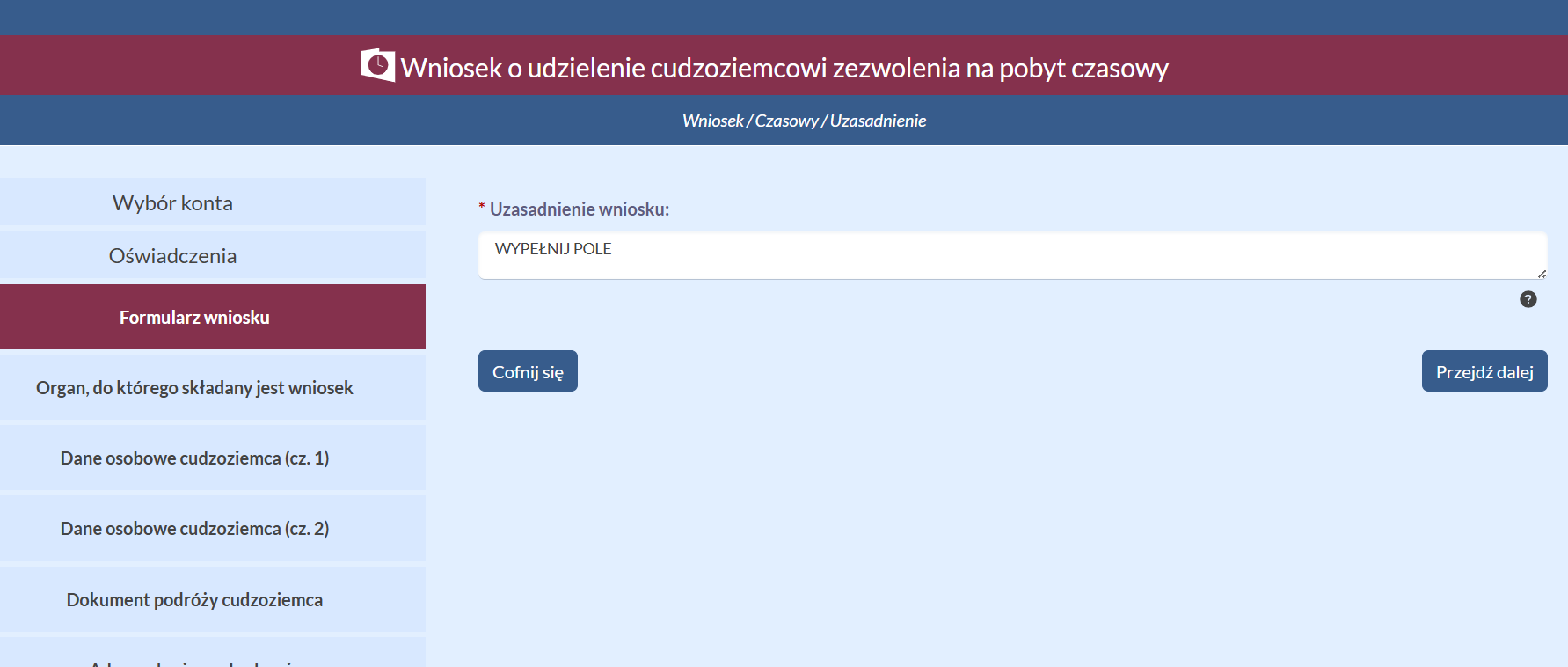
-
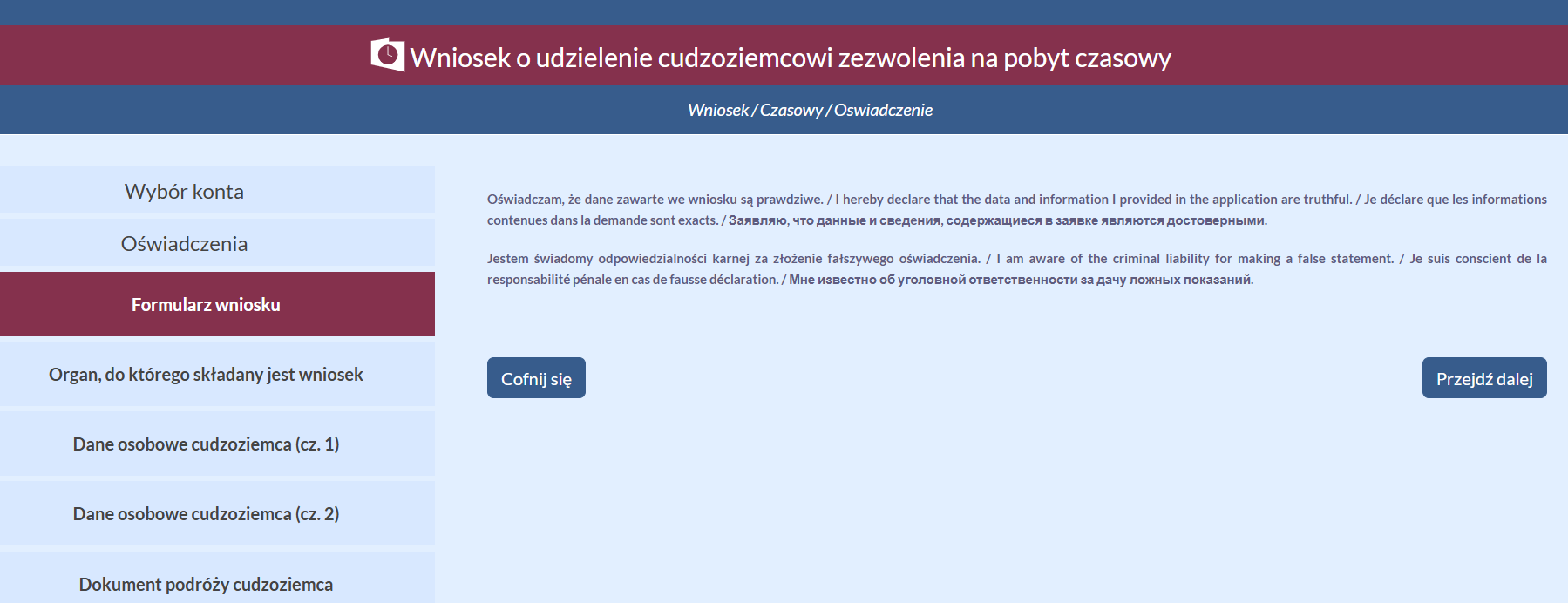
Final oświadczenia.
-
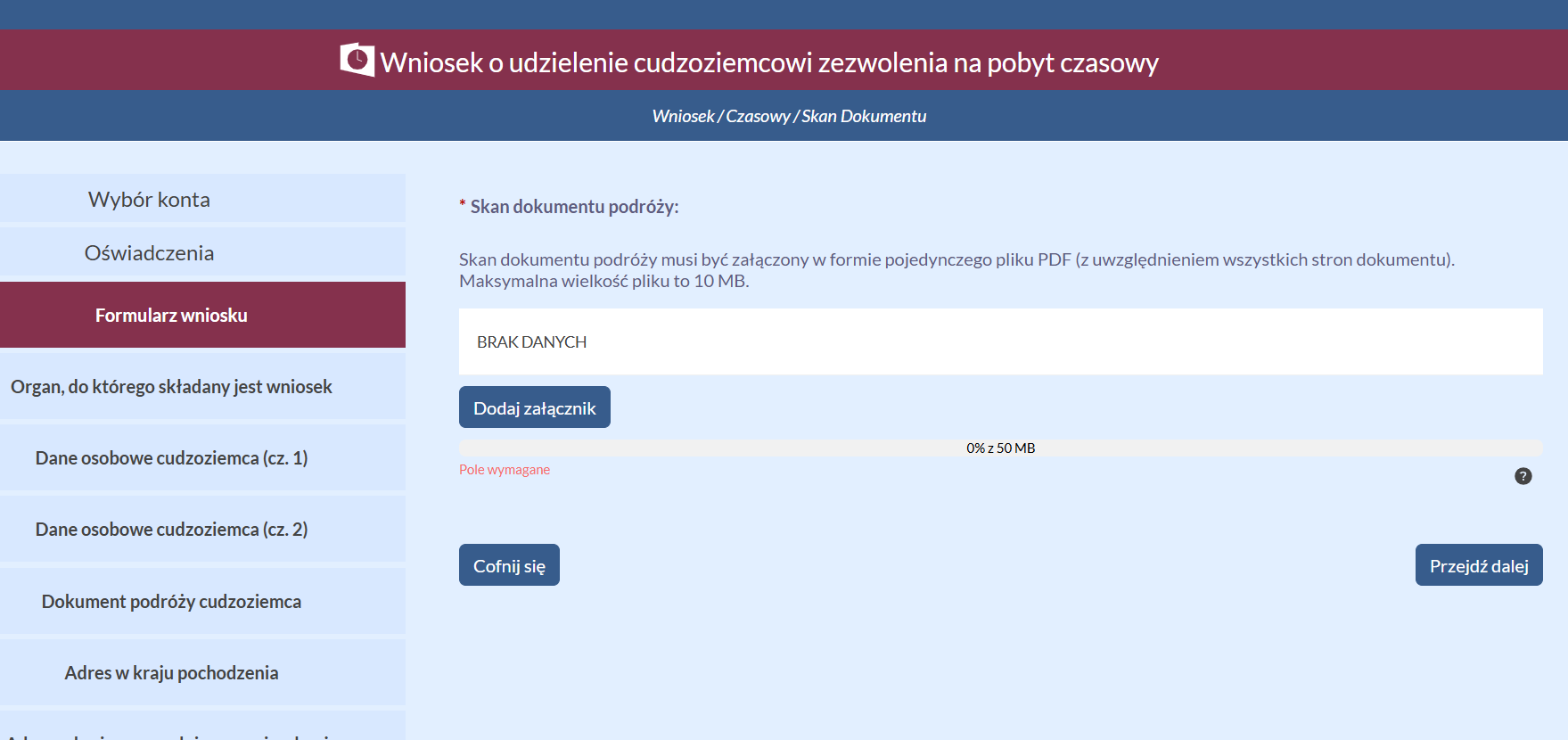
Skan dokumentu podróży — the passport scan as a single PDF (up to 10 MB): all pages, including empty ones, and the covers, in color, of readable quality.
-
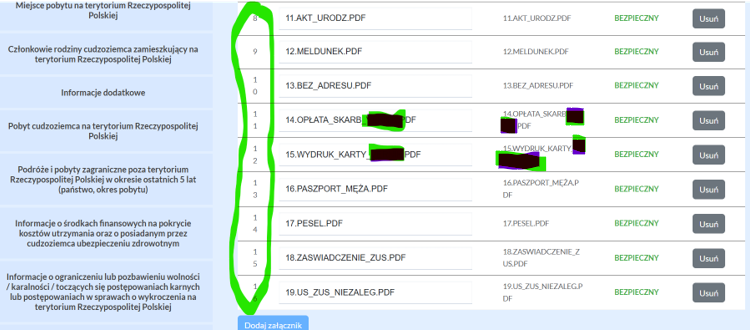
Załączniki — attachments to the wniosek (JPG or PDF, one file up to 10 MB, everything together up to 50 MB). The composition of the document package — in the checklist below.
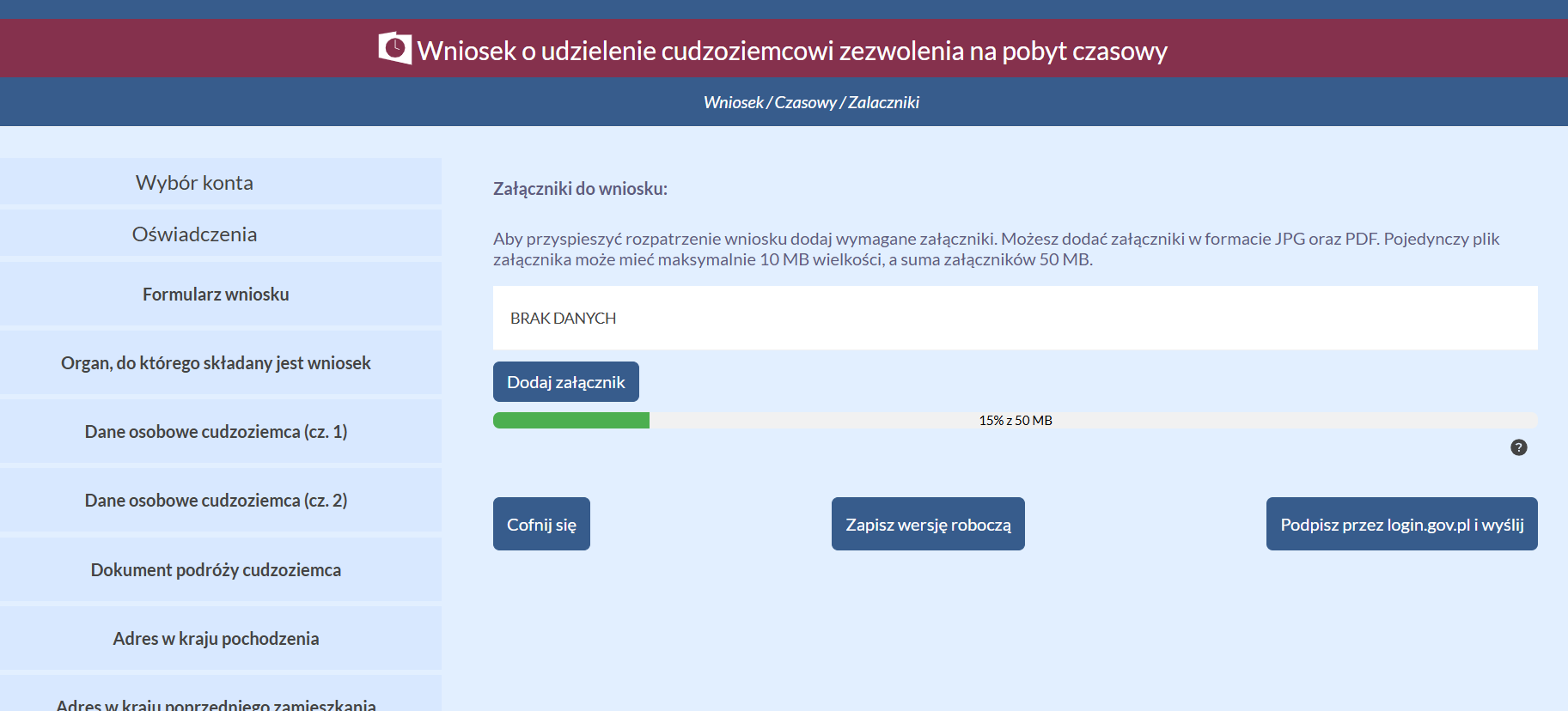
The załączniki are numbered down the left side of the list.
Signing and sending
- At the bottom of the załączniki screen, the buttons Zapisz wersję roboczą (save a draft) and Podpisz przez login.gov.pl i wyślij will appear — click the second one.
-
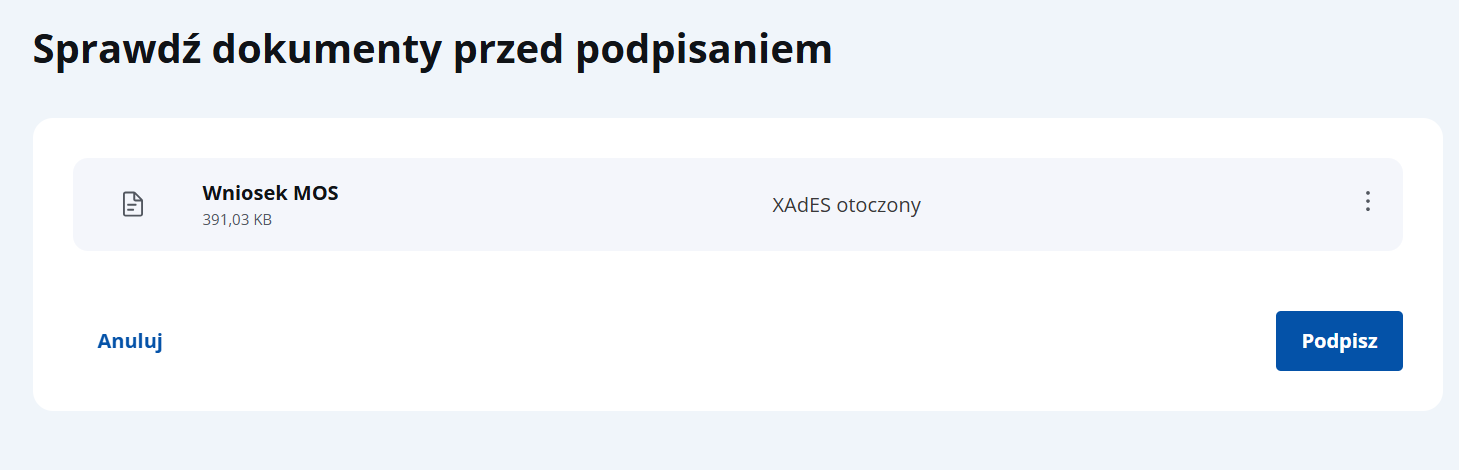
On the "Sprawdź dokumenty przed podpisaniem" screen, click Podpisz.
-
The portal will redirect you to signing via Profil Zaufany several times — sign every time.
-
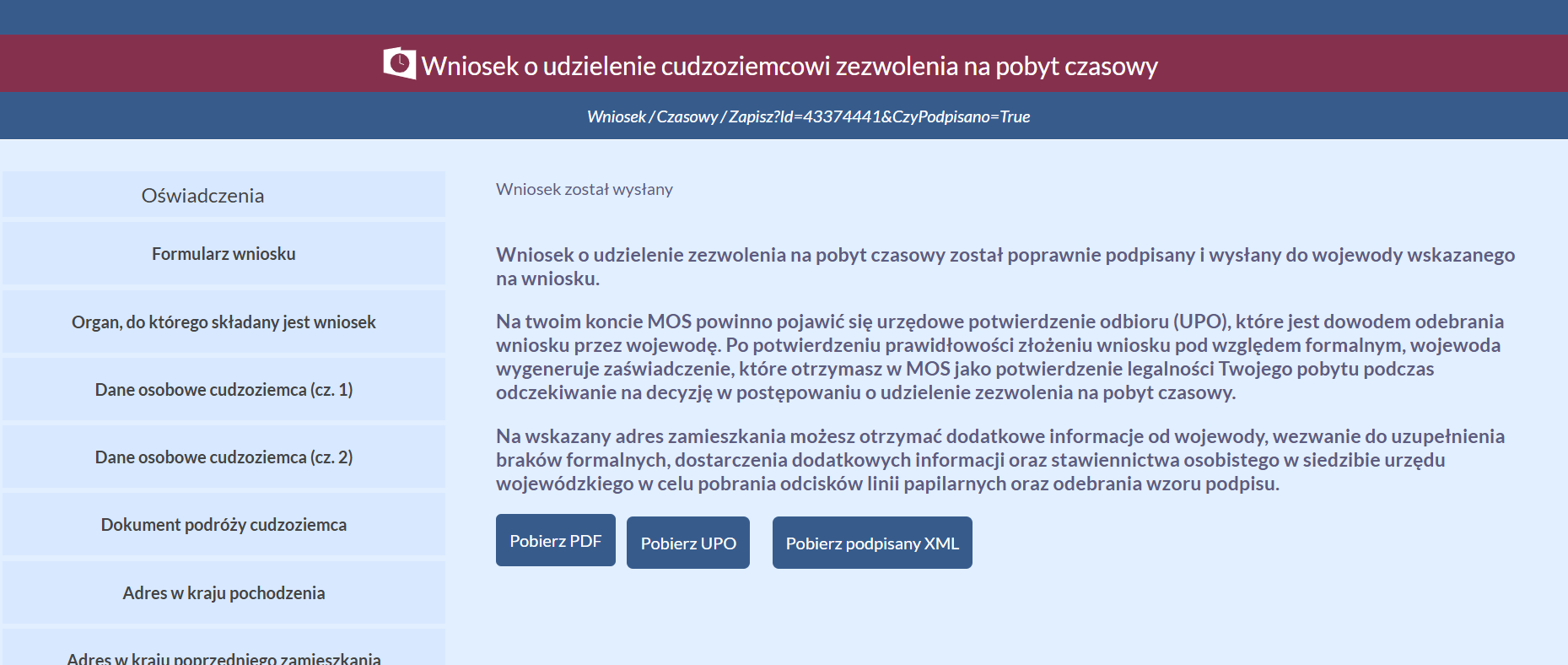
After signing, the message Wniosek został wysłany will appear with the buttons Pobierz PDF / Pobierz UPO / Pobierz podpisany XML.
-
Wait until the UPO (urzędowe poświadczenie odbioru — official confirmation of receipt) appears, and download the wniosek as a PDF right away — you will be asked to bring the printed wniosek to the wezwanie (the fingerprints appointment).
What's next
The UPO is proof that the voivode has received your wniosek. After the formal check, the voivode will generate a zaświadczenie (certificate) in MOS confirming the legality of your stay while the case is being processed. Then wait for the fingerprints appointment (the invitation arrives by e-mail) and bring the complete document package to it (do not hand over the originals — the urząd (office) does not return anything) and the printed wniosek.
Timelines
- Fingerprints appointment: approximately ~6 months after submission (Masovian Voivodeship).
Alternative voivodeships
If you are going to apply for citizenship or long-term residency, it is worth considering other voivodeships: Lodz (a couple of months of waiting), Poznan (up to four months).
Interactive document checklist
A checklist that lets you select your family composition and submission type, and mark the documents you have prepared. All marks are saved in the browser.
The checklist was created by Andrei Mitin.
FAQ
Official questions and answers about MOS: MOS — pytania i odpowiedzi on the Urząd do Spraw Cudzoziemców portal.
Support our guide with a cup of coffee ♥